
MineKai
Guide Chapters
How to Start on MineKai
How to Join the MineKai Server
MineKai is a Minecraft Java Edition server. To connect, launch Minecraft Java Edition, open Multiplayer, and choose Add Server.
In the Server Address field, enter mc.minekai.com, save the server, and then click Join Server. You can also use Direct Connection and enter the same address if you do not want to save it to your server list.
MineKai Server IP: mc.minekai.com
Create Your Server Login
When you join MineKai for the first time, you need to register your account on the server. Open the Minecraft chat and type:
/register password password
Replace both instances of password with the password you want to use. The same password must be entered twice to confirm it.
Example format: /register YourPassword YourPassword
Use your own unique password and do not reuse a password from your email, Minecraft account, or other important services.
Log In on Future Visits
After your account has been registered, you do not need to register again. On future connections, use:
/login password
Replace password with the password you created during registration. Once you log in successfully, you can continue into the server normally.
Protect Your Account With 2FA
For additional account security, MineKai also supports two-factor authentication. After logging in, type /2fa and follow the instructions shown by the server to set it up.
Two-factor authentication adds another layer of protection to your MineKai account even if someone manages to learn your server password.
Recommended: Set up /2fa after your first login, especially if you plan to build a town, manage valuable items, or play on the server long-term.
Your First Steps on MineKai
So, you have just spawned into MineKai — congratulations and welcome. You are now standing at the starting point of your journey on our Minecraft Towny survival server.
Before you begin exploring, earning money, joining a town, or building your own settlement, it is worth spending a moment getting familiar with the basic interface and a few useful server commands.
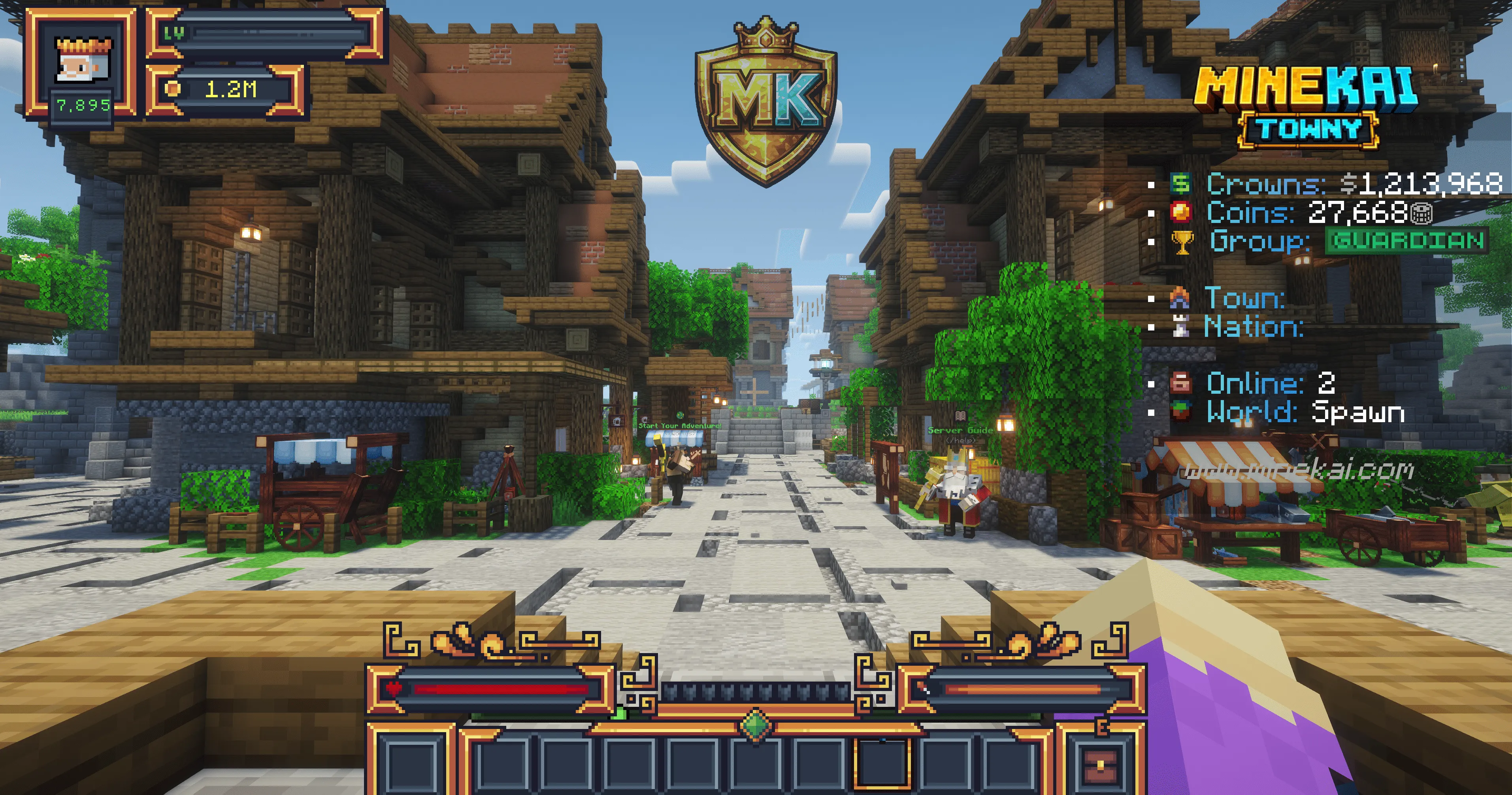
On the right side of your screen, you may see the MineKai scoreboard. It displays useful server information while you play, but if you prefer a cleaner interface, you can hide it at any time.
Type /sb in chat to toggle the scoreboard on or off. The same command can be used again whenever you want to bring it back.
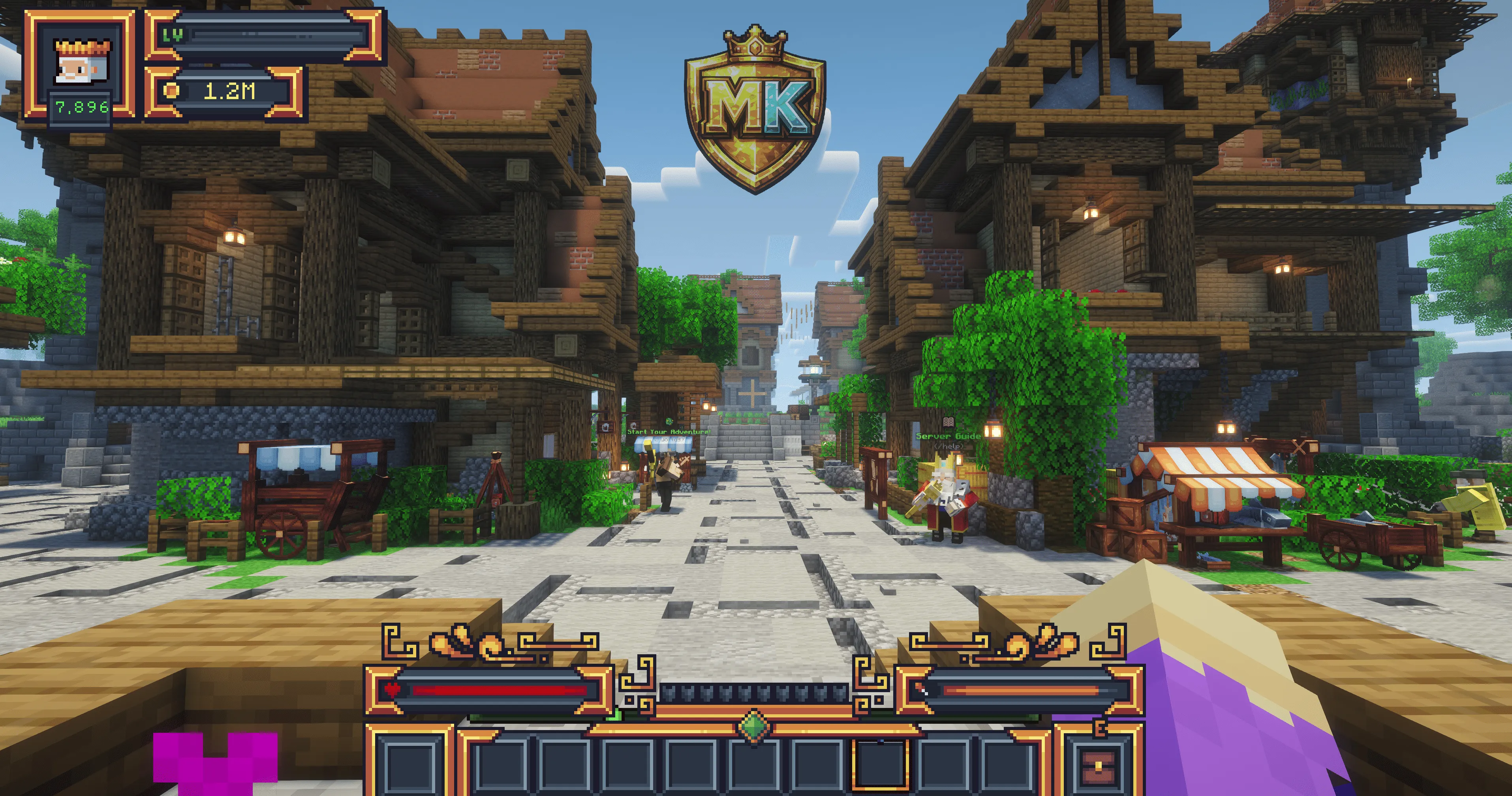
Open the MineKai Server Guide
Now that your interface is set up, it is time to take your first real steps on MineKai.
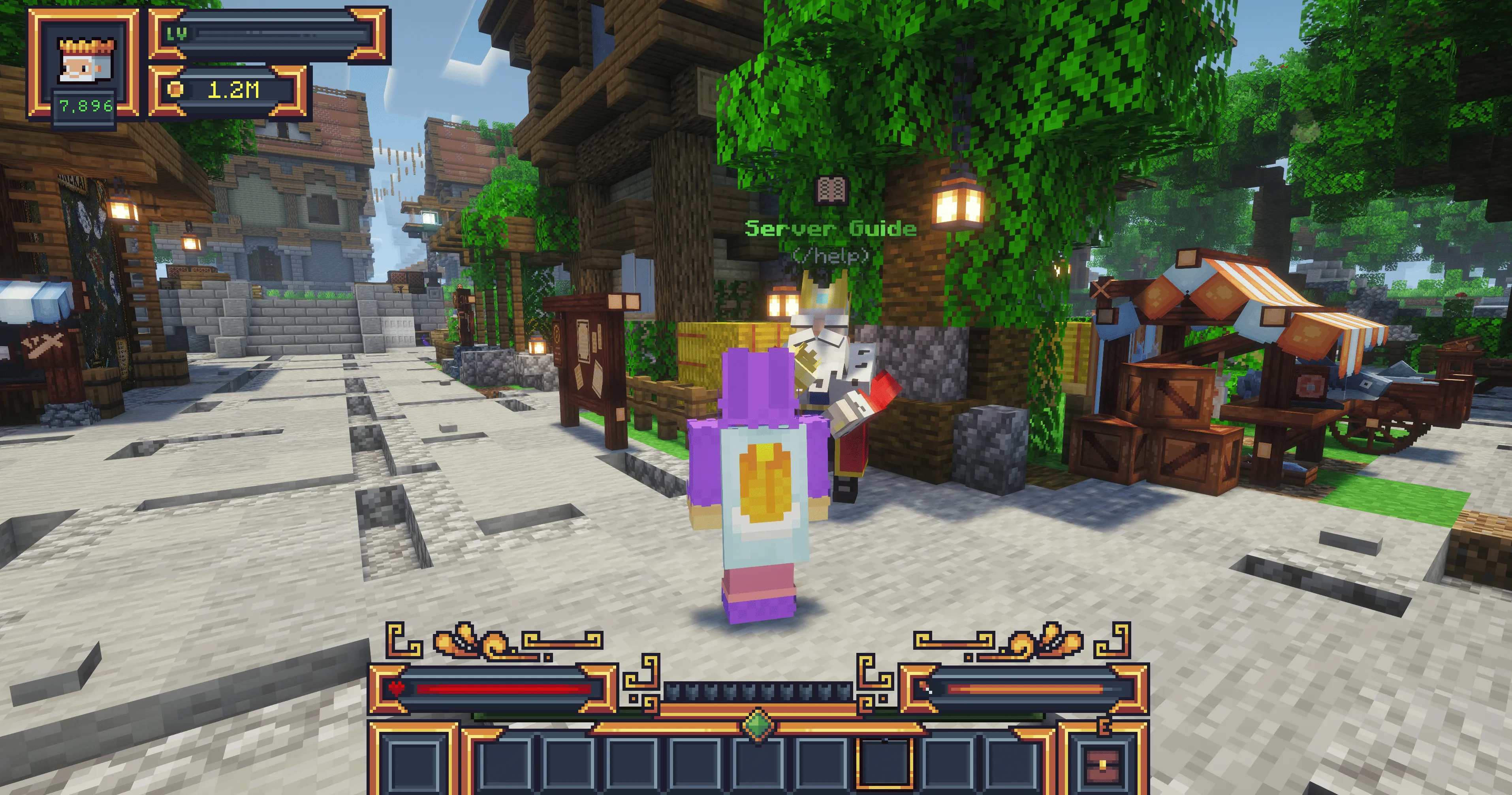
Walk forward from the spawn area and look for the King NPC marked as Server Guide. This NPC is one of the easiest ways for new players to discover the most important features available on the server.
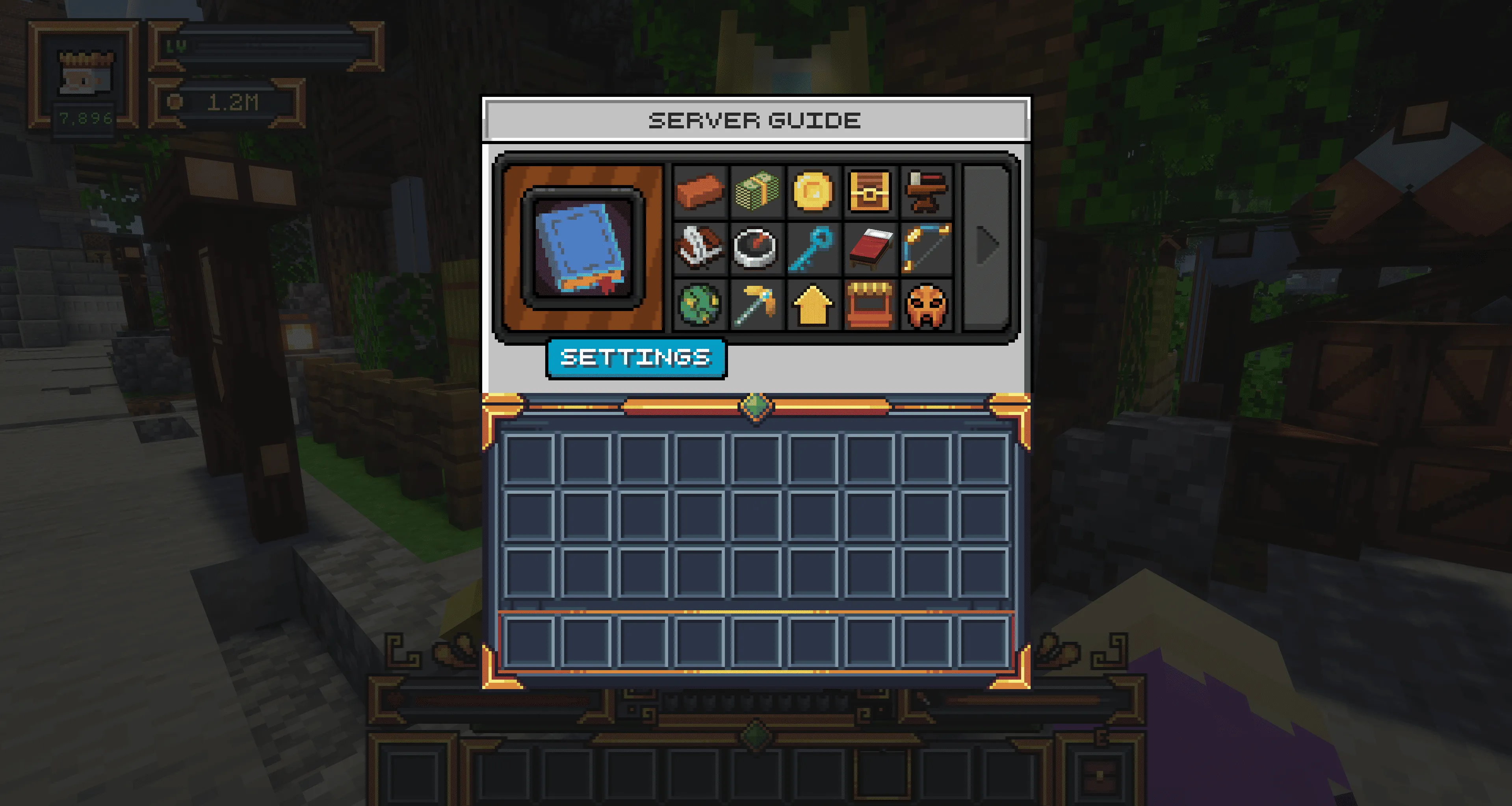
Clicking the King opens the MineKai Server Guide. You do not need to return to spawn every time you want to access it, however — the same menu can be opened from almost anywhere on the server by typing /serverguide.
Everything You Need in One Menu
The MineKai Server Guide brings the core server features together in one convenient menu. Instead of memorizing every command immediately, you can use it as your starting point whenever you need to find an important system or feature.
As you progress, you will naturally learn the commands and systems you use most often. Until then, the Server Guide gives you a simple way to navigate MineKai and understand what is available without having to search through dozens of commands.
Tip: Remember /serverguide. It is one of the most useful commands to know when you are getting started on MineKai.
Get Your First Starter Equipment
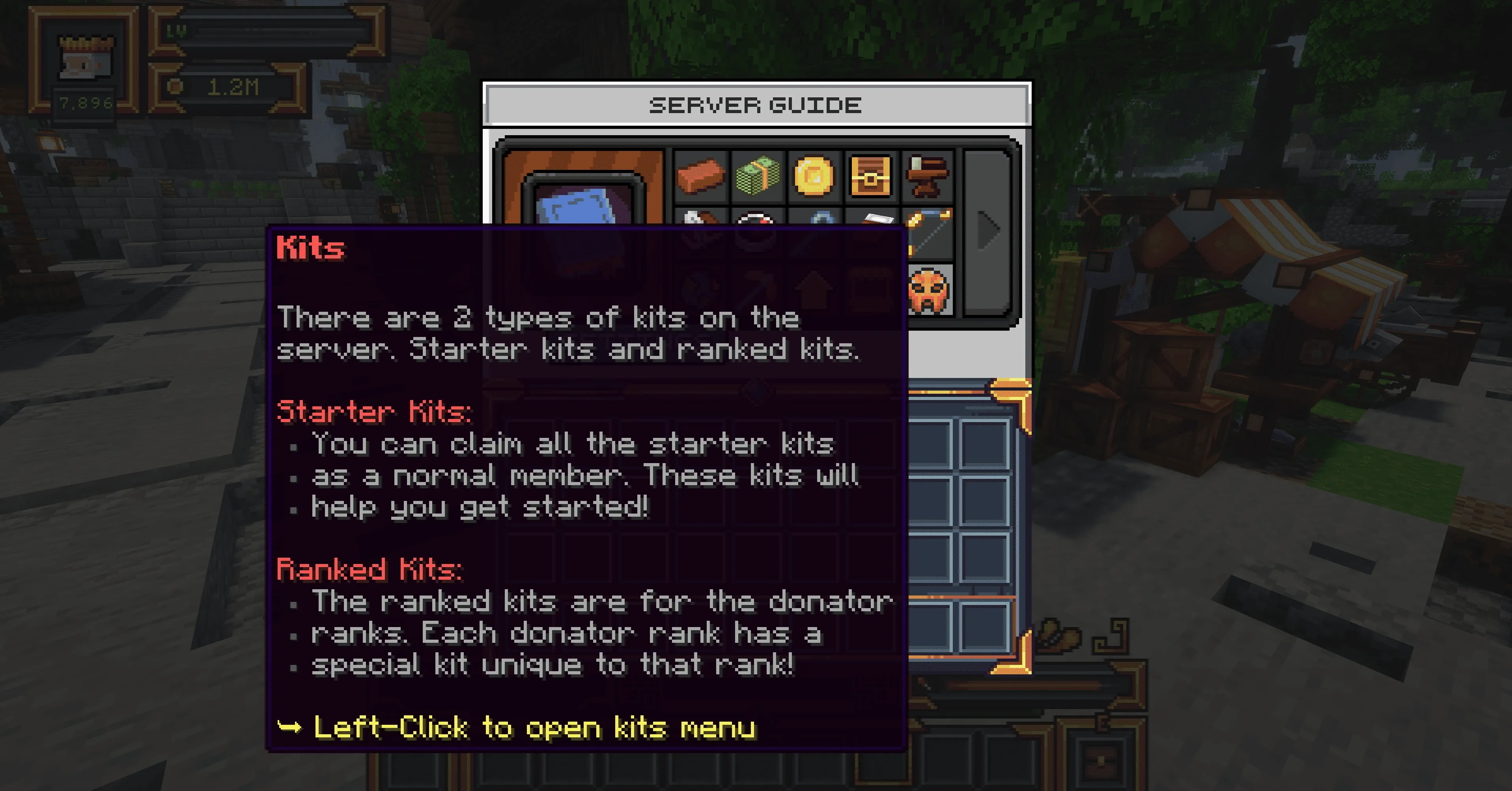
Now it is time to get equipped. Open the Kits section inside the Server Guide to find the equipment available to you when beginning your survival journey.
Your starter equipment includes the basic tools you need to begin exploring and gathering resources, including lightly enchanted stone tools, a weapon, and a custom MineKai-style leather armor set. It is enough to help you get started without skipping the early stages of Minecraft survival.
Choose the Starter Kits
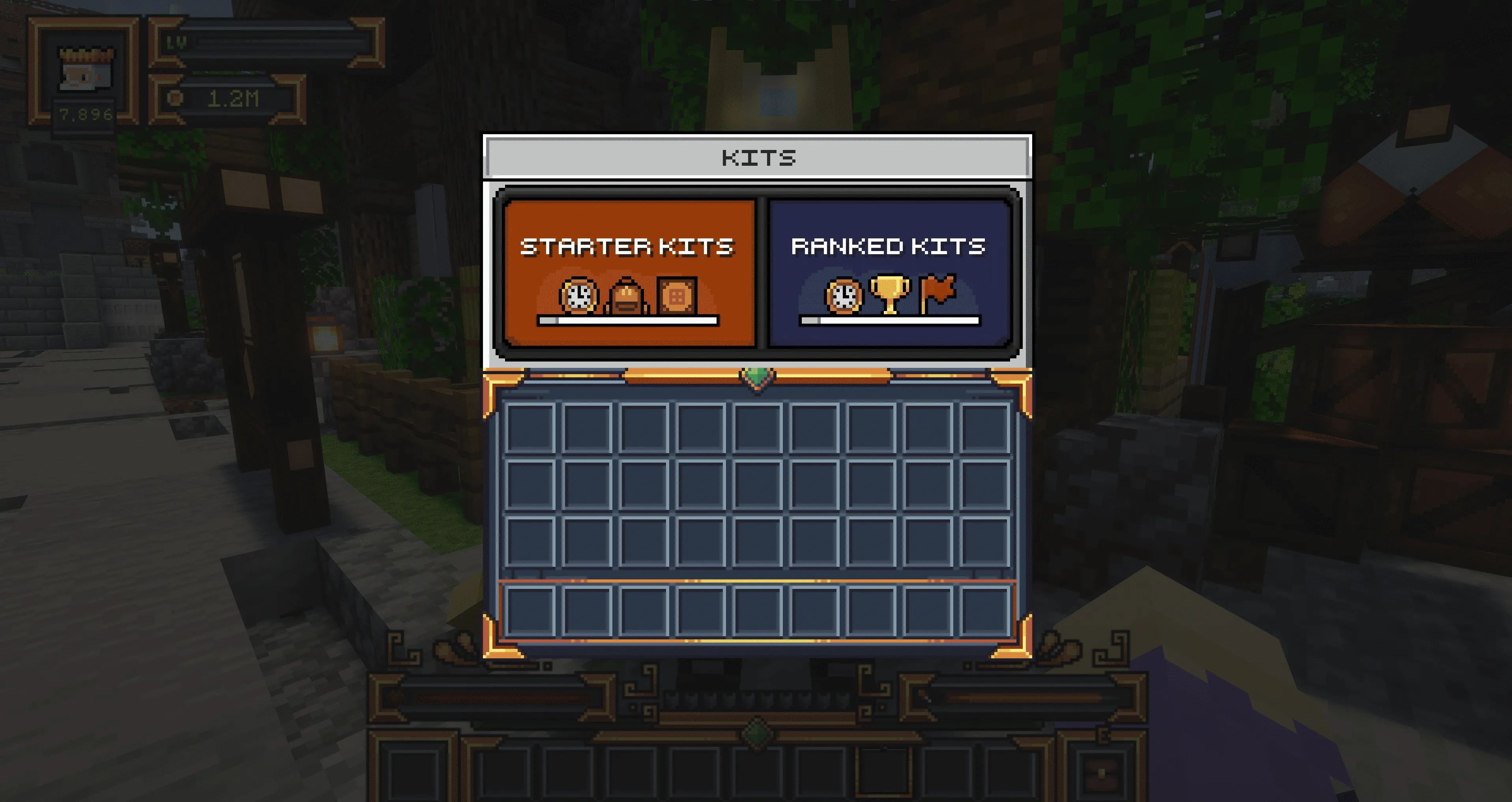
Once you open the Kits menu, select Starter Kits. These are the kits available to every player and are designed specifically for the beginning of your MineKai adventure.
Claiming them gives you the basic equipment needed to leave spawn, gather your first resources, explore the survival world, and begin building your own progression.
Why Don't New Players Start With Diamond Gear?
You may notice that MineKai does not immediately give new players powerful diamond or Netherite equipment. This is intentional.
We believe that progression is an important part of a Minecraft survival and Towny server. Finding resources, upgrading your equipment, earning money, trading with other players, and gradually becoming stronger should feel meaningful.
Giving every new player high-tier equipment from the first minute would remove a large part of that progression. It would also reduce demand for resources and equipment, making gathering, crafting, trading, and the player-driven economy less meaningful.
For that reason, the MineKai starter kit is designed to give you enough to begin, but not enough to skip the game. Your first valuable resources, stronger tools, better armor, wealth, and achievements are things we want you to earn through actual gameplay.
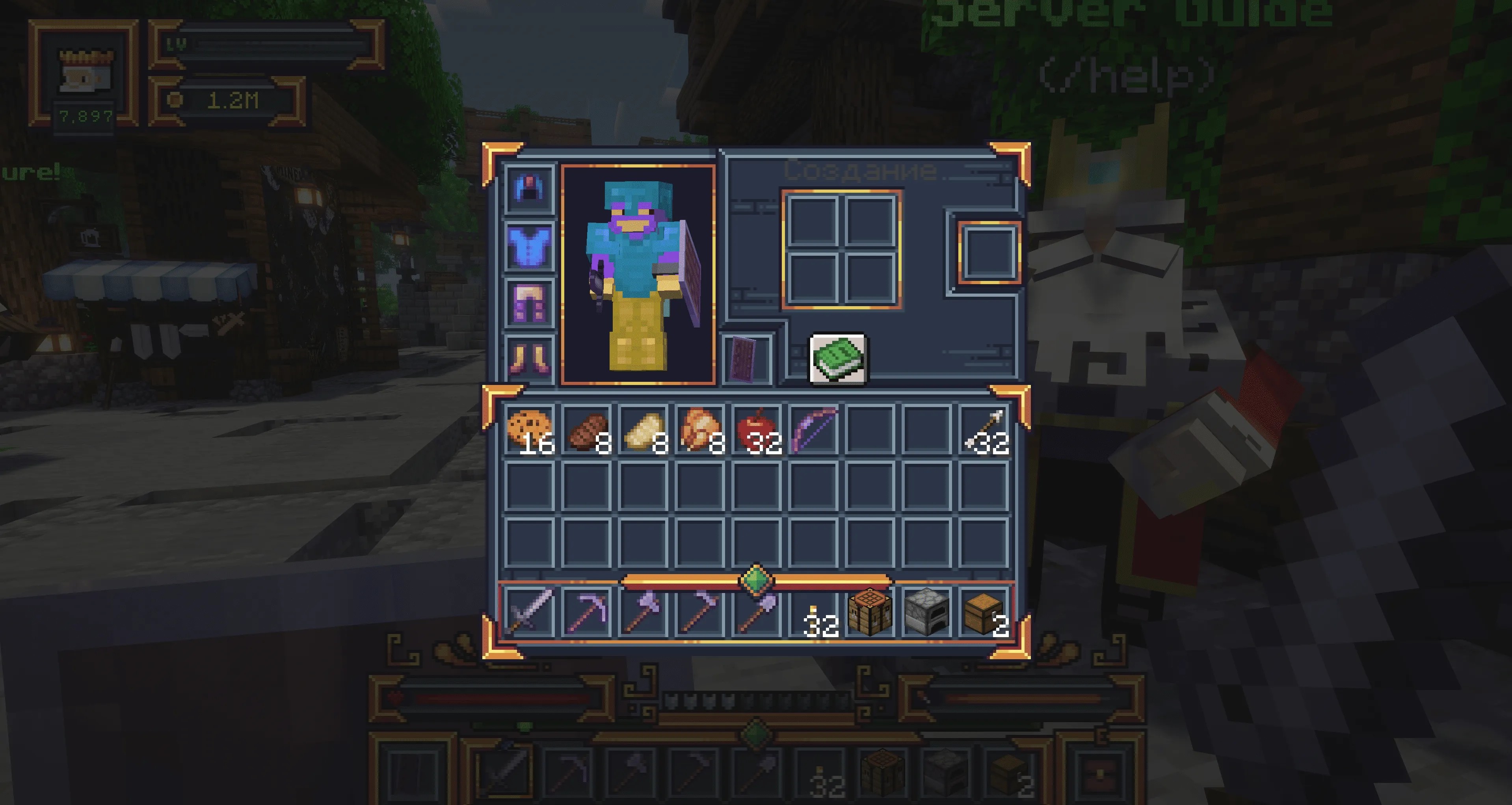
With your interface configured, the Server Guide available, and your starter equipment ready, you now have everything you need for the next stage of your journey.
From here, MineKai begins to open up — and your next decisions will determine how you start building your place in the survival world.
Claim Your First MineKai Rewards
Before you step out into the unknown and begin your real survival journey, there is one more thing worth doing — claiming your available rewards.
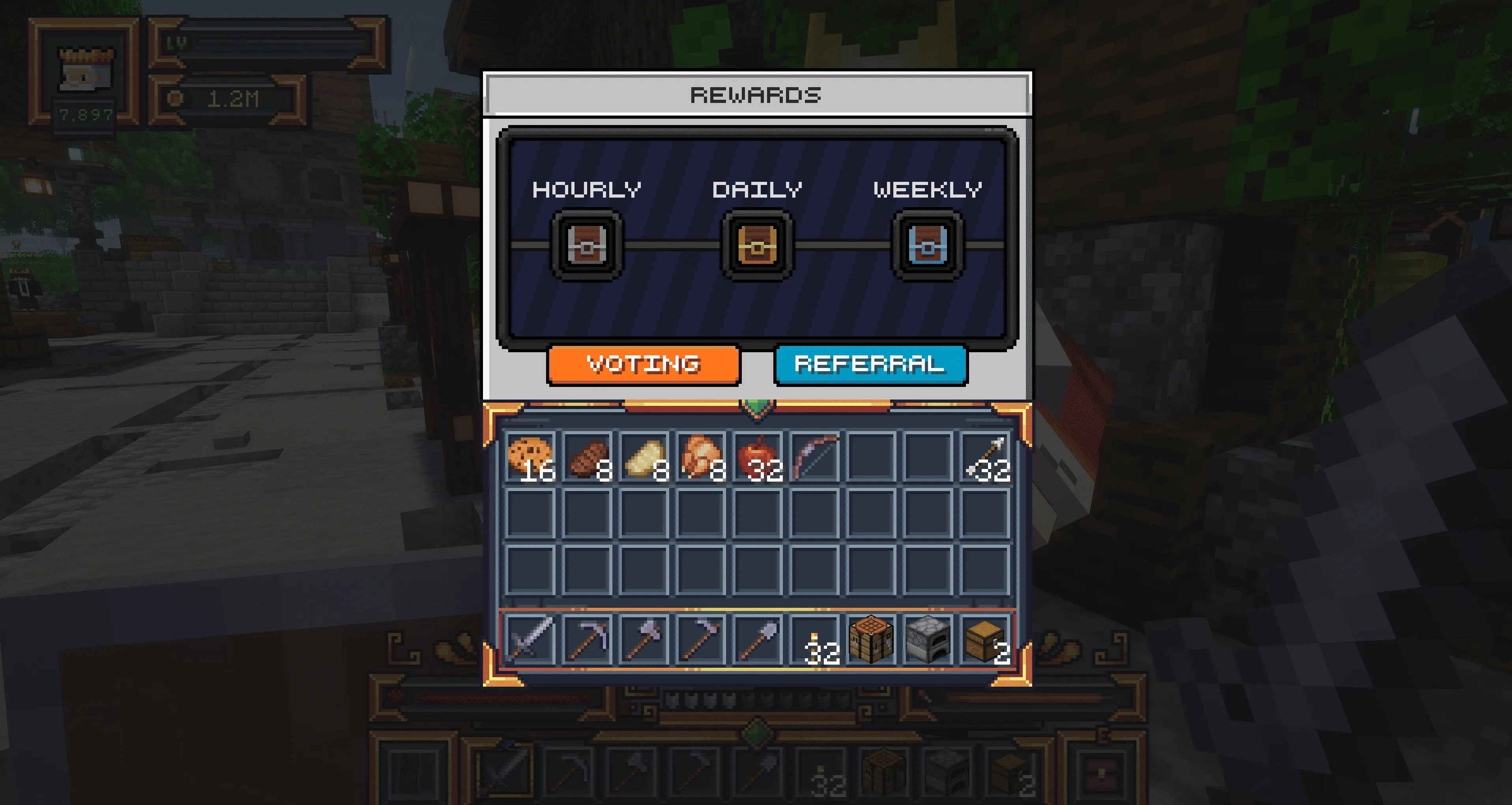
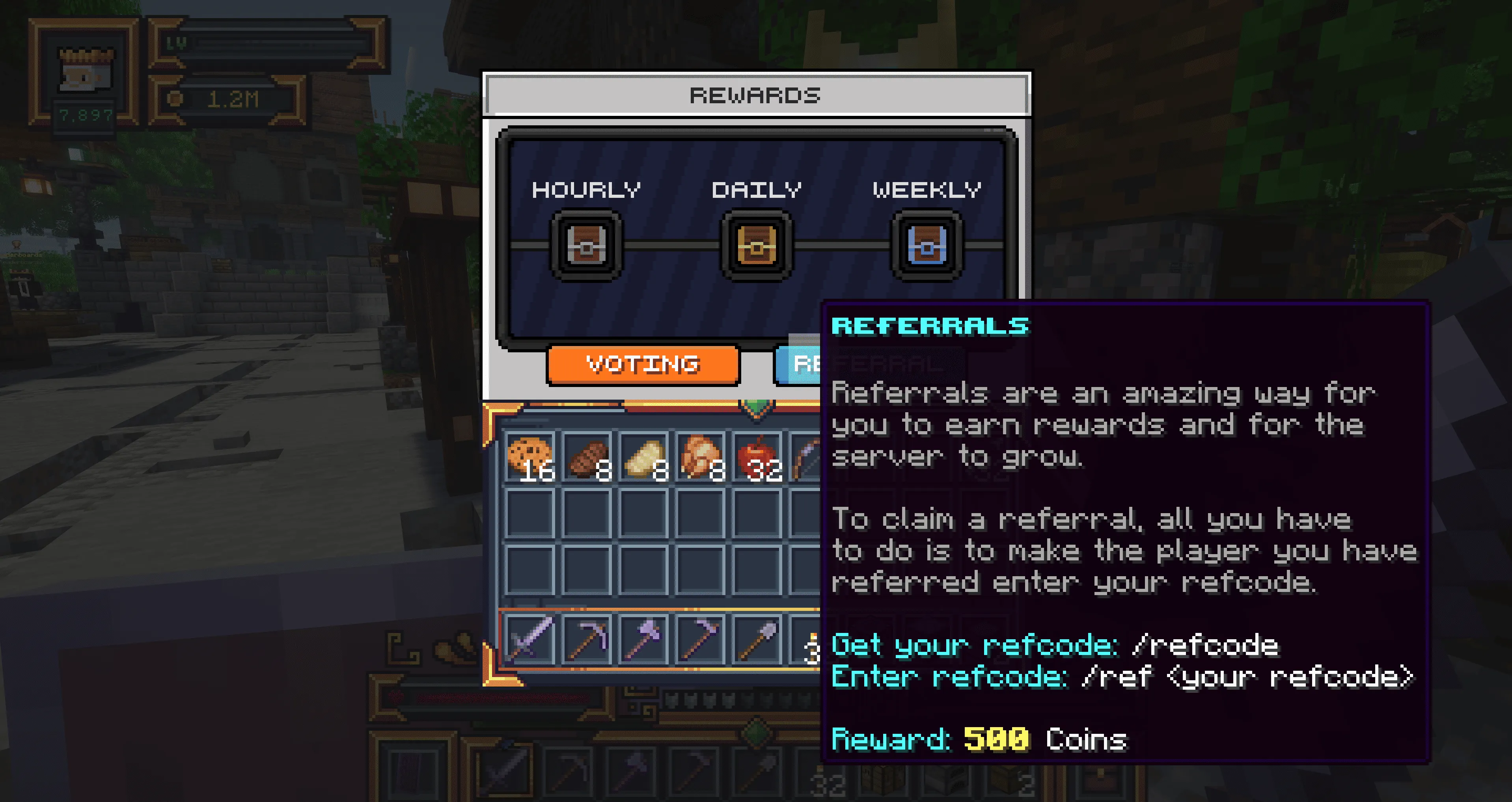
Open the Rewards section inside the MineKai Server Guide. MineKai offers three types of recurring rewards that can help you build momentum without skipping the progression that makes survival meaningful.
All three reward types can also be accessed directly with /rewards, so you do not need to return to spawn or open the Server Guide every time.
Invite Friends With the Referral System
You may also notice the Referrals section inside the rewards menu. The MineKai referral system is designed to reward players who actively help the community grow.
When you invite a new player to MineKai through the referral system, you can receive a substantial in-game reward for bringing someone new into the community. We intentionally made the referral rewards more generous than a small token bonus because we believe helping the server grow should feel genuinely worthwhile.
In other words, the system is designed to benefit both sides: MineKai gains a new player, and you are properly rewarded for helping make that happen.
Full information about the referral requirements and available rewards is shown directly on the referral card in-game, so always check the current details before inviting a friend.
Use Your First Crate Keys
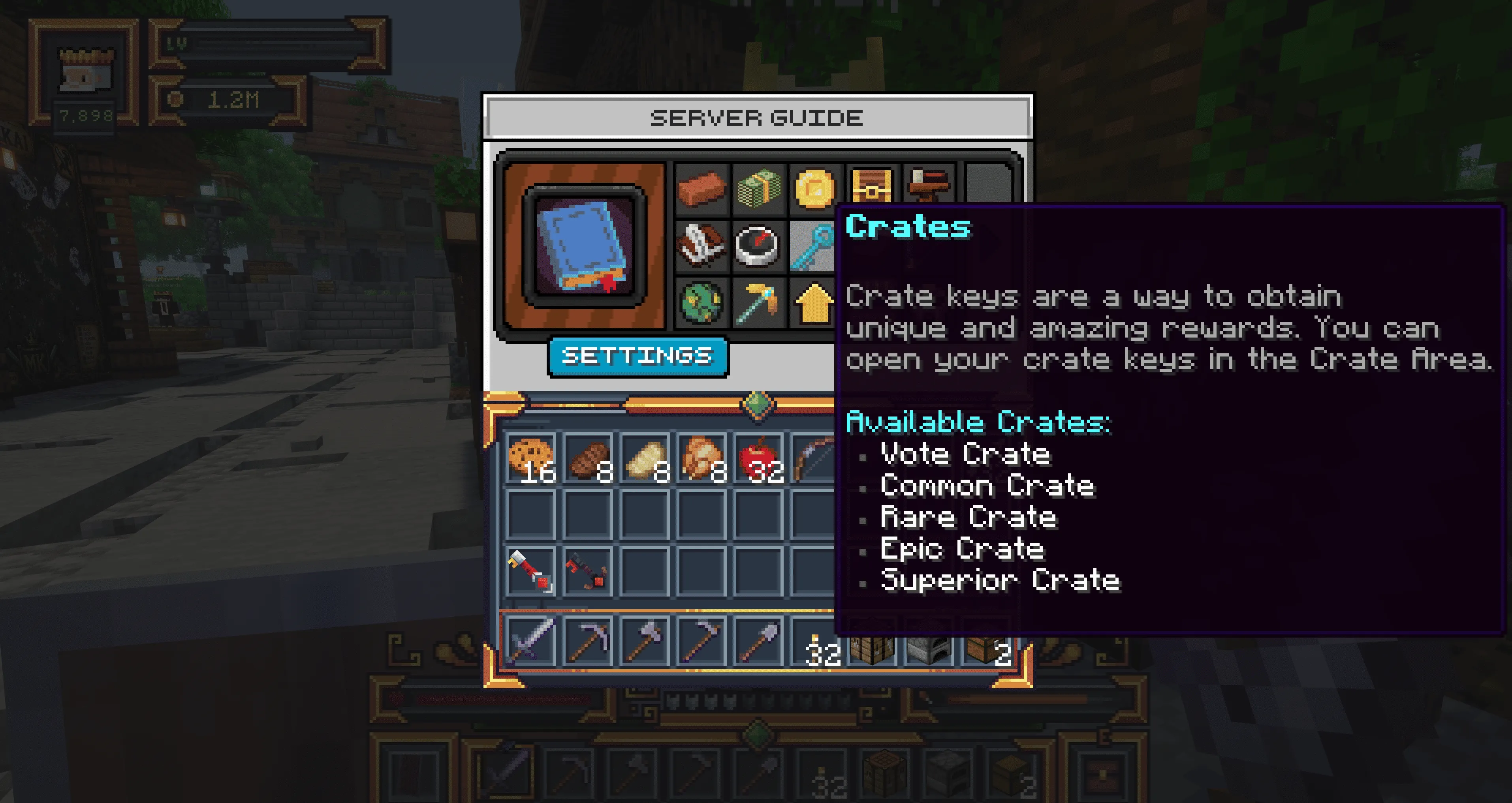
If your rewards gave you crate keys, it is time to put them to use. Return to the Server Guide and select Crates.
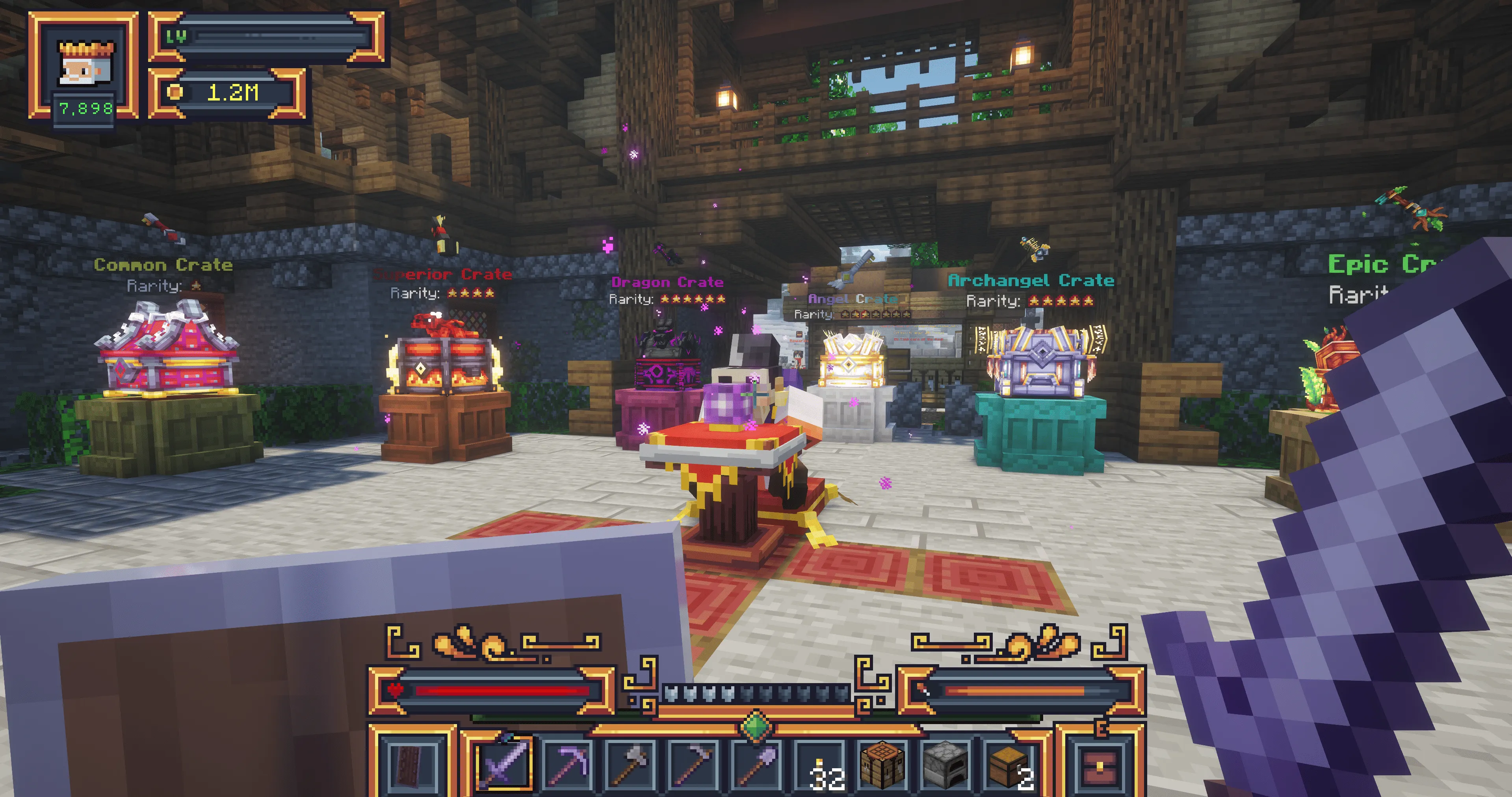
Choosing this option will teleport you directly to /warp crates, where MineKai's reward crates are located.
Welcome to the Crate Area
This is where luck gets involved. Every key is a chance to walk away with something useful, valuable, or simply fun — although, as with any crate, sometimes the result may not be exactly what you were hoping for.
Think of it as the place where Minecraft dreams are either fulfilled, upgraded, or very politely reconsidered. Either way, opening a crate is part of the experience.
How to Open a Crate
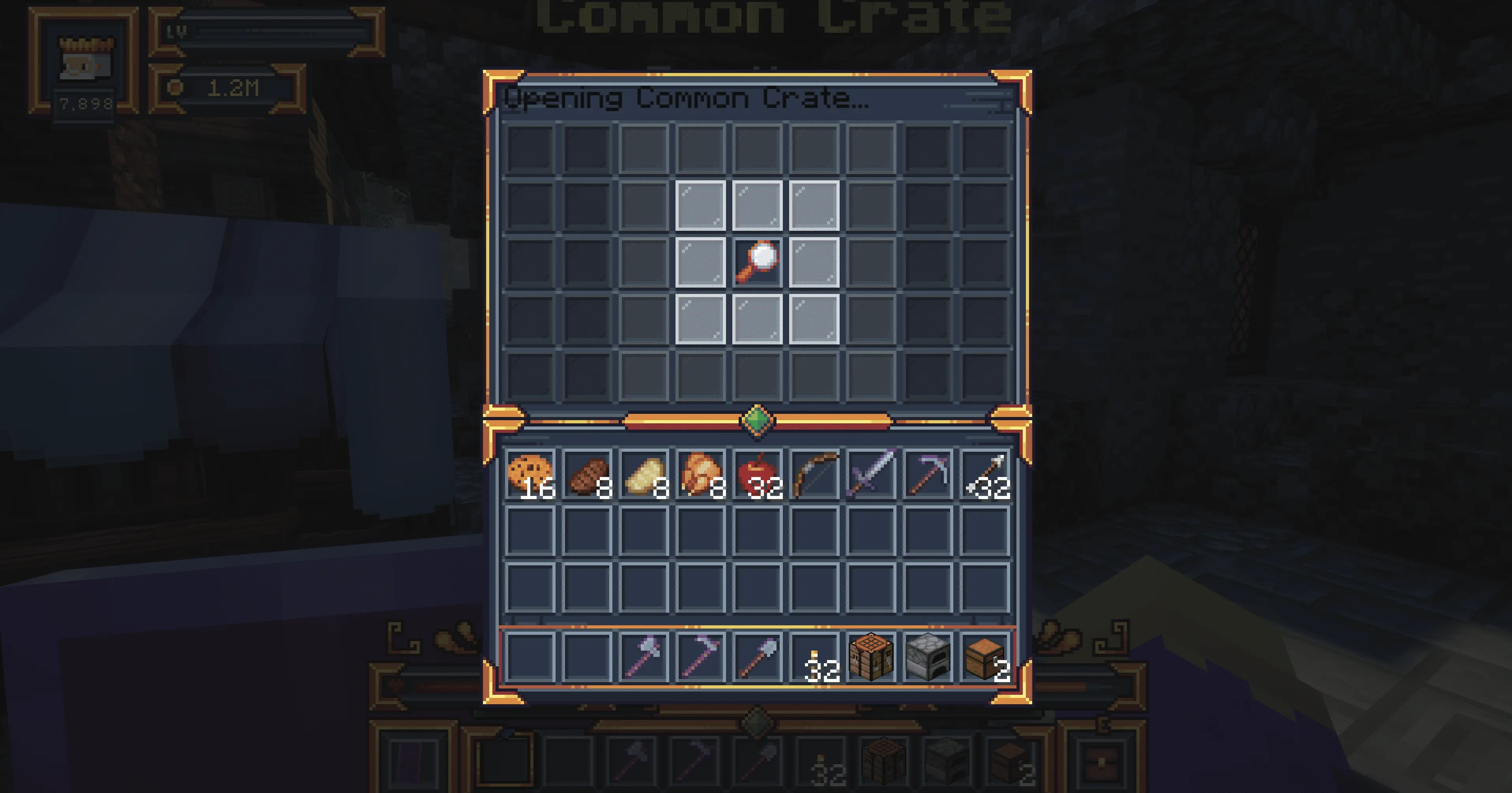
To open a crate, select the matching key in your inventory, walk up to the correct crate, and right-click it.
From there, the real show begins. MineKai uses an animated crate opening sequence designed to make every reward feel more satisfying than a simple instant item drop.
Watch the animation play out, wait for the final result, and collect your reward. If you have more keys, you can repeat the process and try your luck again.
Tip: Make sure the key you are holding matches the crate you are trying to open. Different crate types require their corresponding keys.
With your starter equipment claimed, rewards collected, and first crate keys opened, you are now ready to leave the safe starting area behind and begin exploring the MineKai survival world.
Leave Spawn and Begin Your Survival
You know the basics. You have claimed your starter equipment, collected your rewards, tried your luck with the crates, and learned how to navigate MineKai.
The safe part is over. It is time to leave spawn behind and head into the wild.
Use /spawn to return to the main spawn, or open the warps through /serverguide.
From spawn, follow the familiar path forward. This time, continue past the Server Guide King and go a little further. You will soon find another NPC waiting for you — a heavily armed warrior carrying a sword that is rather difficult to miss.
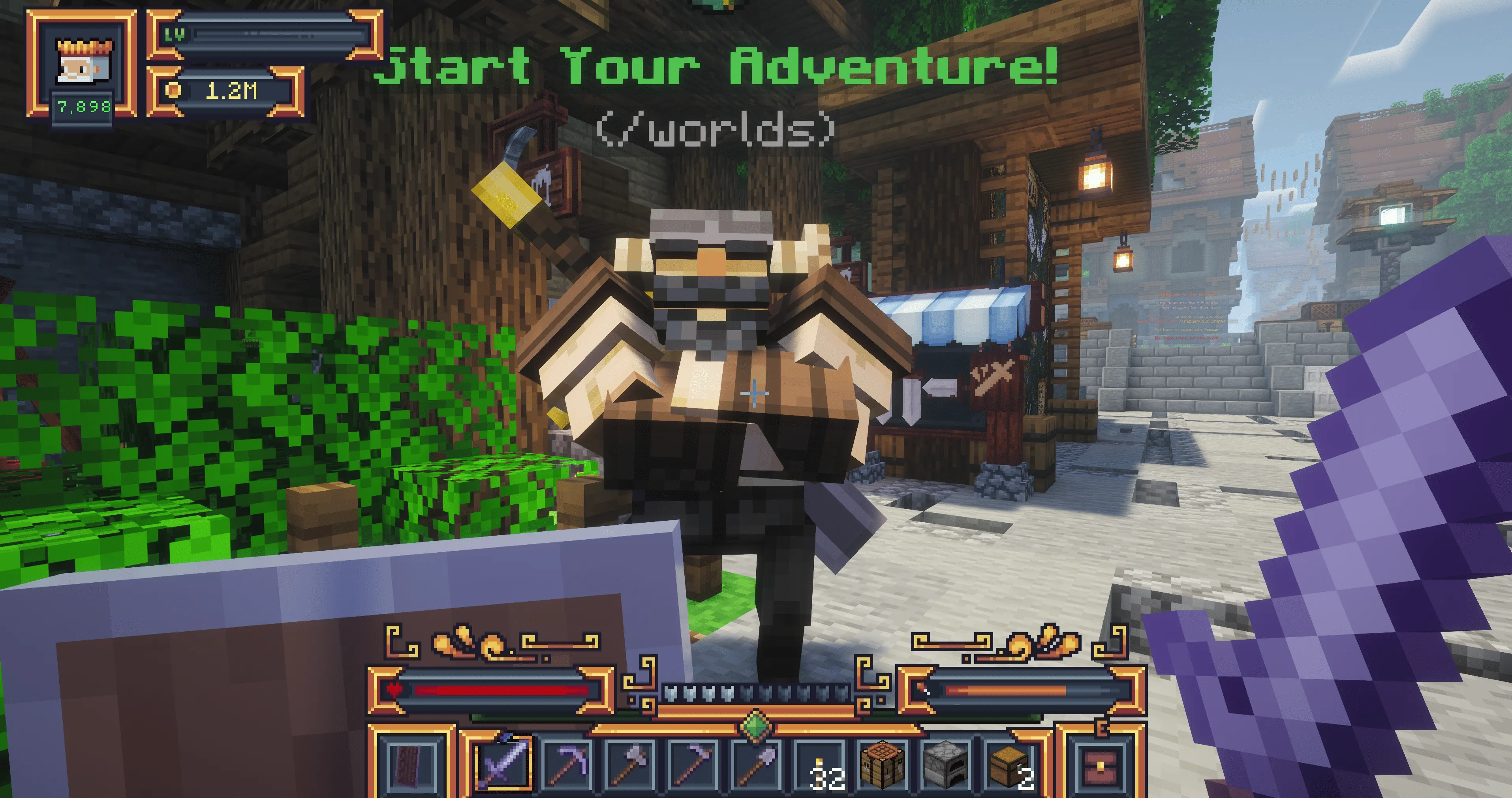
Choose Your World
The Warrior is your gateway beyond spawn. And no, he is not standing next to the bar just for decoration — although while you are here, we definitely recommend visiting it. It is one of the more atmospheric corners of the MineKai spawn.
Right-click the Warrior to open the world selection menu. From here, you can choose between four different destinations, each serving a different purpose in your adventure.
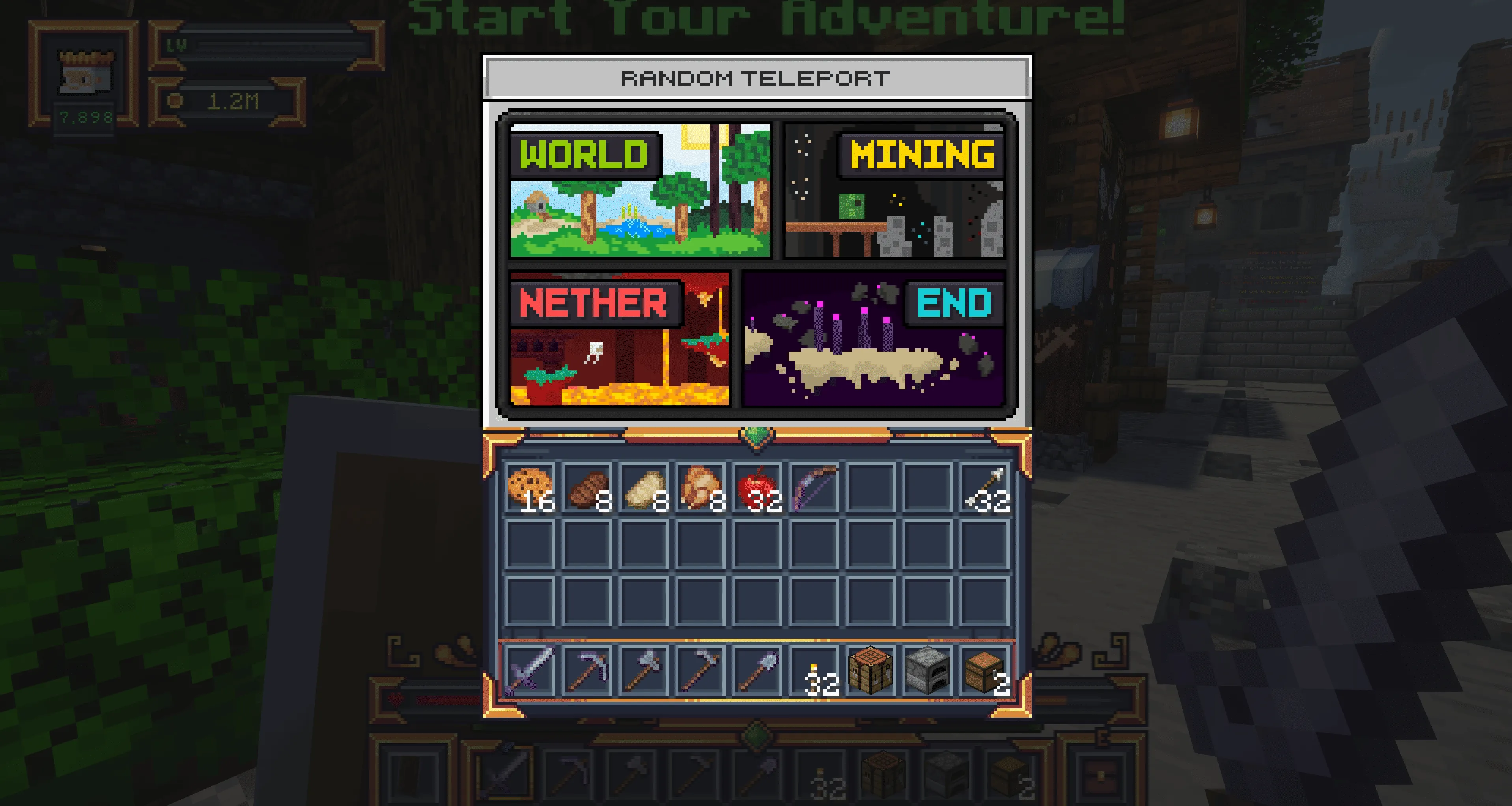
Start in the Main Survival World
For your first adventure, we recommend choosing the Main Survival World.
Find a place to settle down, gather your first resources, build a small temporary base, and begin upgrading the starter equipment you received earlier.
Once you are established, one of the most important decisions on a Minecraft Towny server awaits: join an existing town or build one of your own.
Your MineKai Adventure Starts Here
From this point forward, there is no single path you have to follow. Explore, gather resources, trade, meet other players, build your first base, and discover the world at your own pace.
In the next chapter, we will cover one of the most important parts of MineKai: creating or joining a Towny town, protecting your land and resources, and building a safe place to call home.