
Towny turns Minecraft's wilderness into organized player-run towns where land can be claimed, divided into plots, sold to residents and protected with detailed permissions. This guide follows the complete lifecycle of a Towny plot — from untouched wilderness to a protected piece of land owned by a resident.
If this is your first time playing Towny, start with our Minecraft Towny Beginner Guide. This article focuses specifically on plots, claims, ownership and permissions.
🧱 What Is a Towny Plot?
Towny organizes land using townblocks. On MineKai, a standard townblock lines up with one Minecraft chunk, giving it a 16×16-block footprint. When land inside a town is assigned or sold to an individual resident, players commonly refer to that personal piece of land as a plot.
The terrain itself does not need to look square. Hills, rivers, roads and buildings can cross the area, but the ownership boundary still follows the underlying chunk grid.
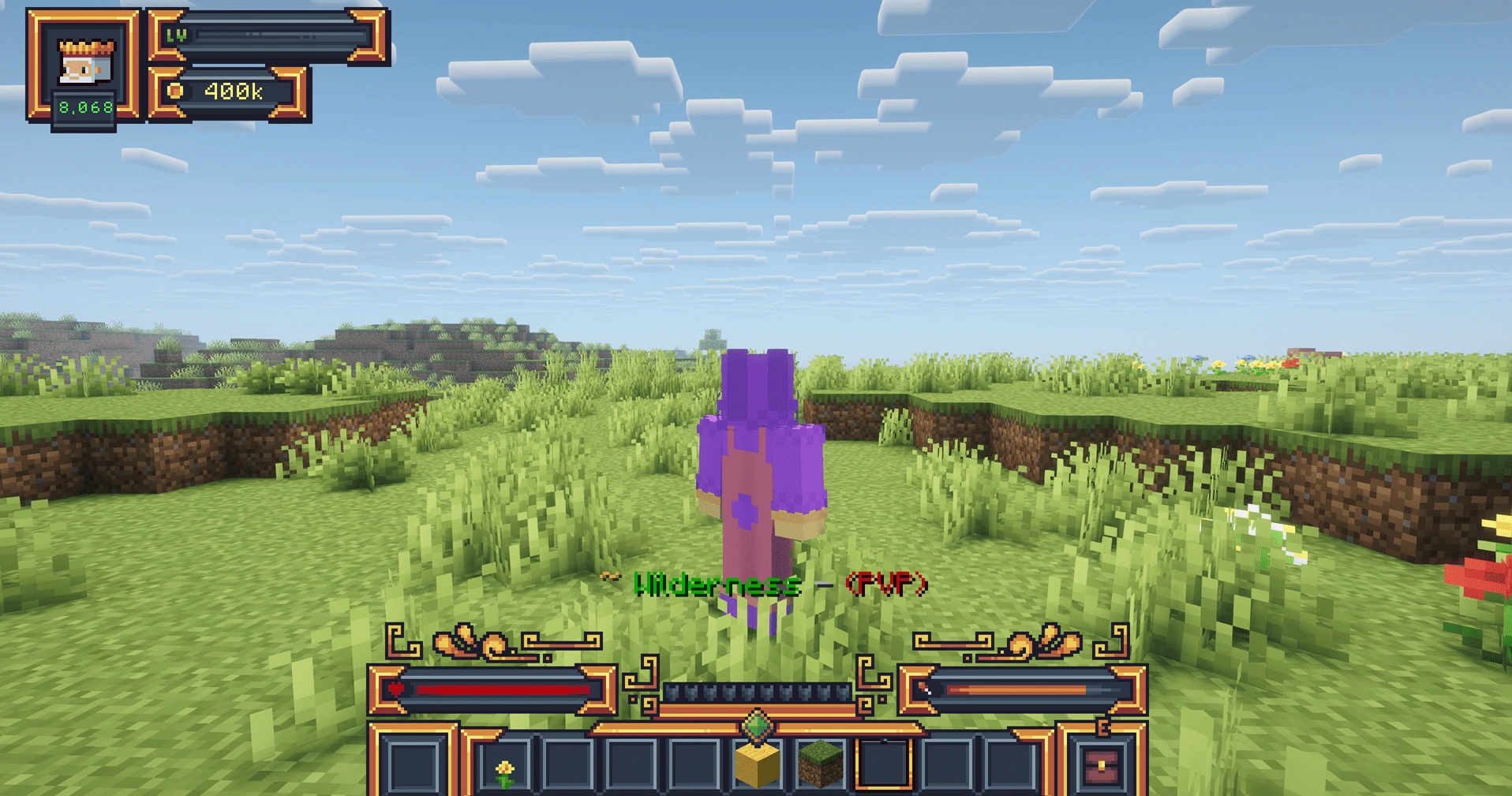
This distinction becomes important later: a town claim adds territory to the town, while a plot claim gives a resident ownership of an available personal plot.
🌿 Wilderness vs Town Territory
Before a town expands into an area, that land is wilderness. Wilderness is outside the town's claimed territory and does not automatically belong to any resident.
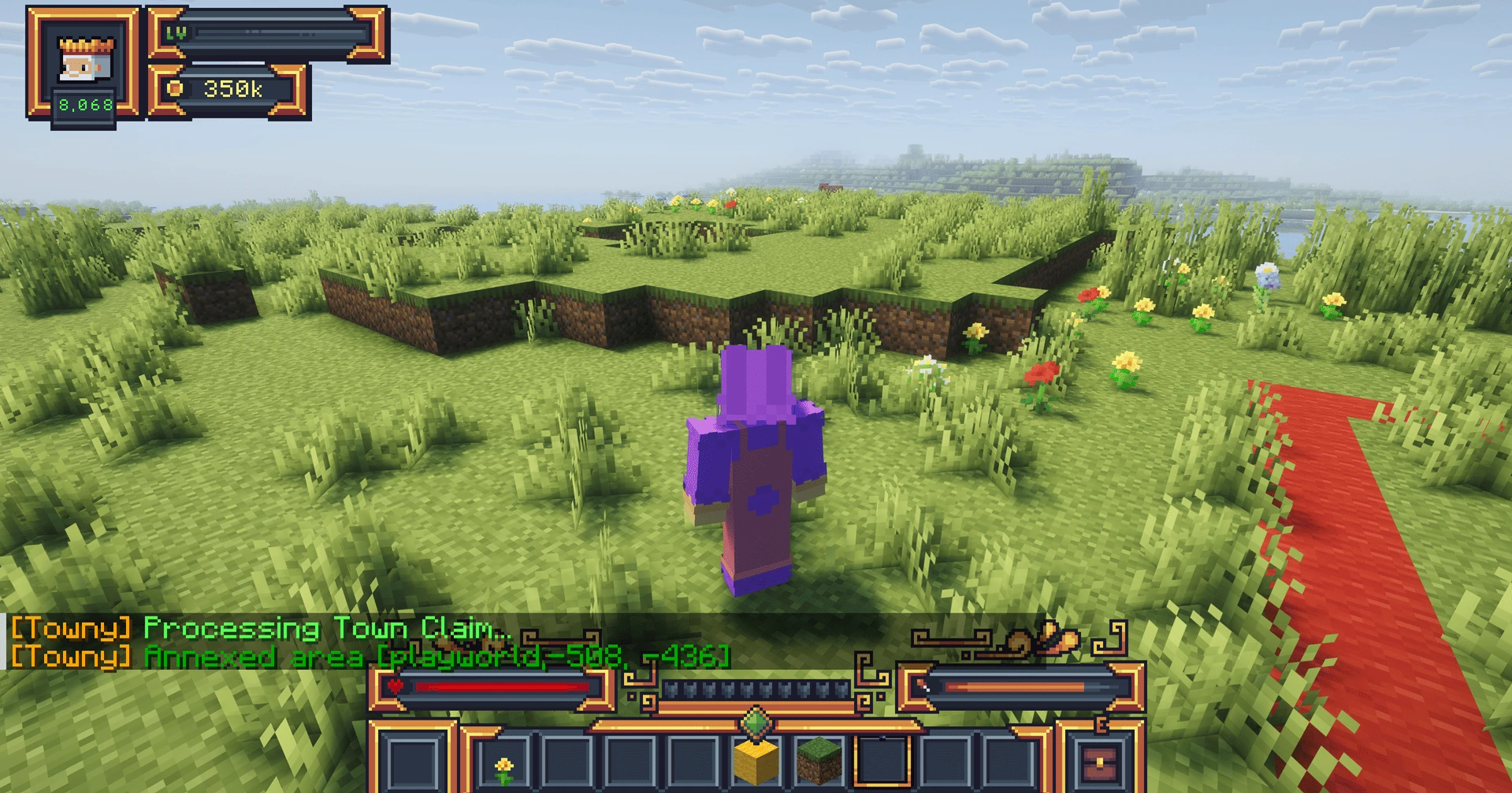
This means a resident cannot simply walk into arbitrary wilderness and use /plot claim to turn it into a personal plot. The town first needs to claim the relevant townblock. After that, town leadership can decide how the land is used and whether it should be made available to residents.
🏘️ How a Town Claims New Land
To expand a town, a mayor or another player with the necessary permissions stands in the townblock they want to annex and uses:
/town claim
If the claim is valid and the town meets the server's requirements, Towny adds that townblock to the town's territory.
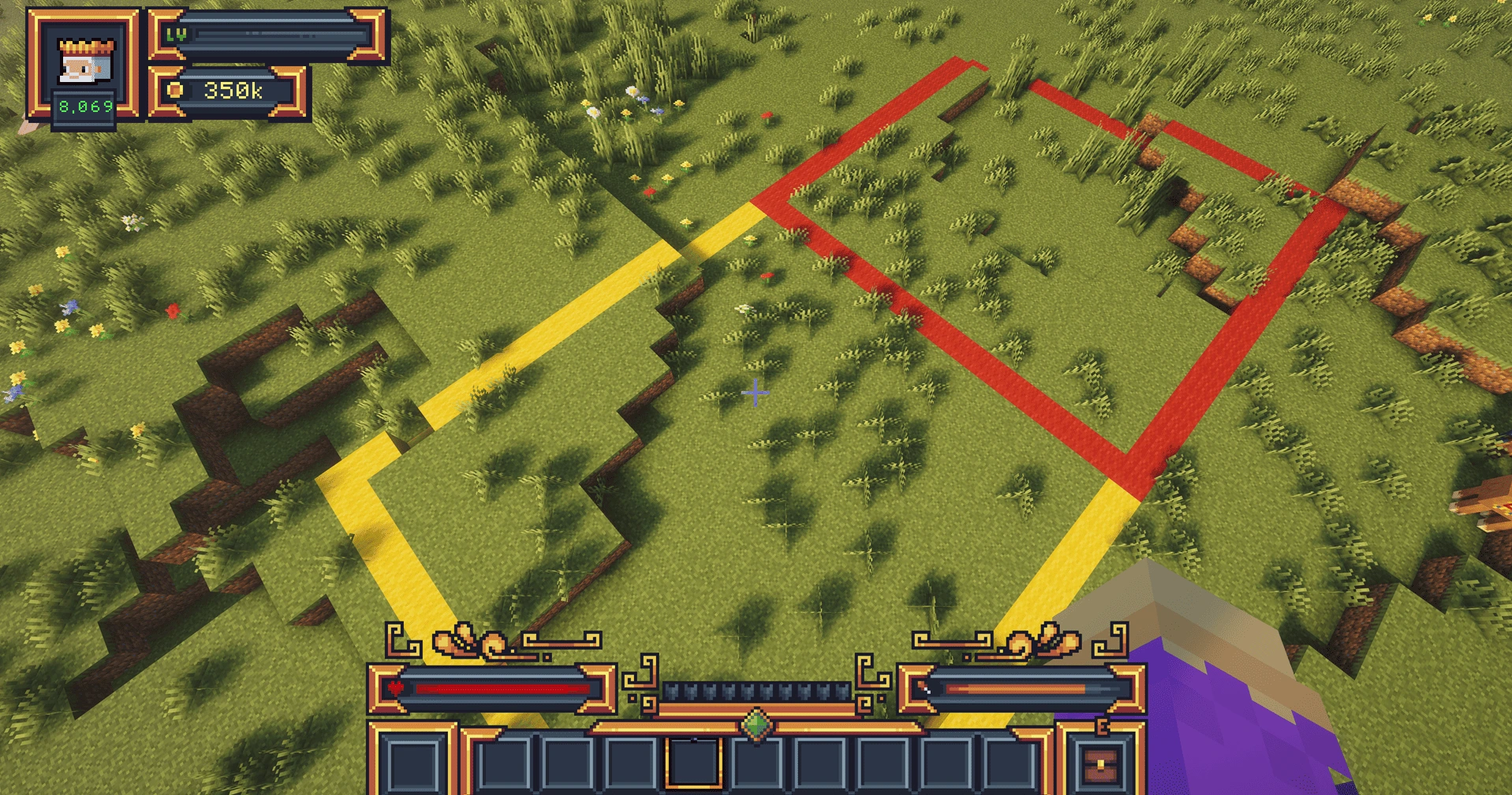
Towny also provides additional town claiming and management commands. Mayors can find them in the Town Commands Wiki.
📐 How Towny Plot Borders Work
Because Towny land follows a chunk-based grid, visible plot borders are extremely useful when planning houses, roads, farms or neighbouring resident plots. A border lets you see where one townblock ends and the next one begins even when the natural terrain makes that difficult to judge.
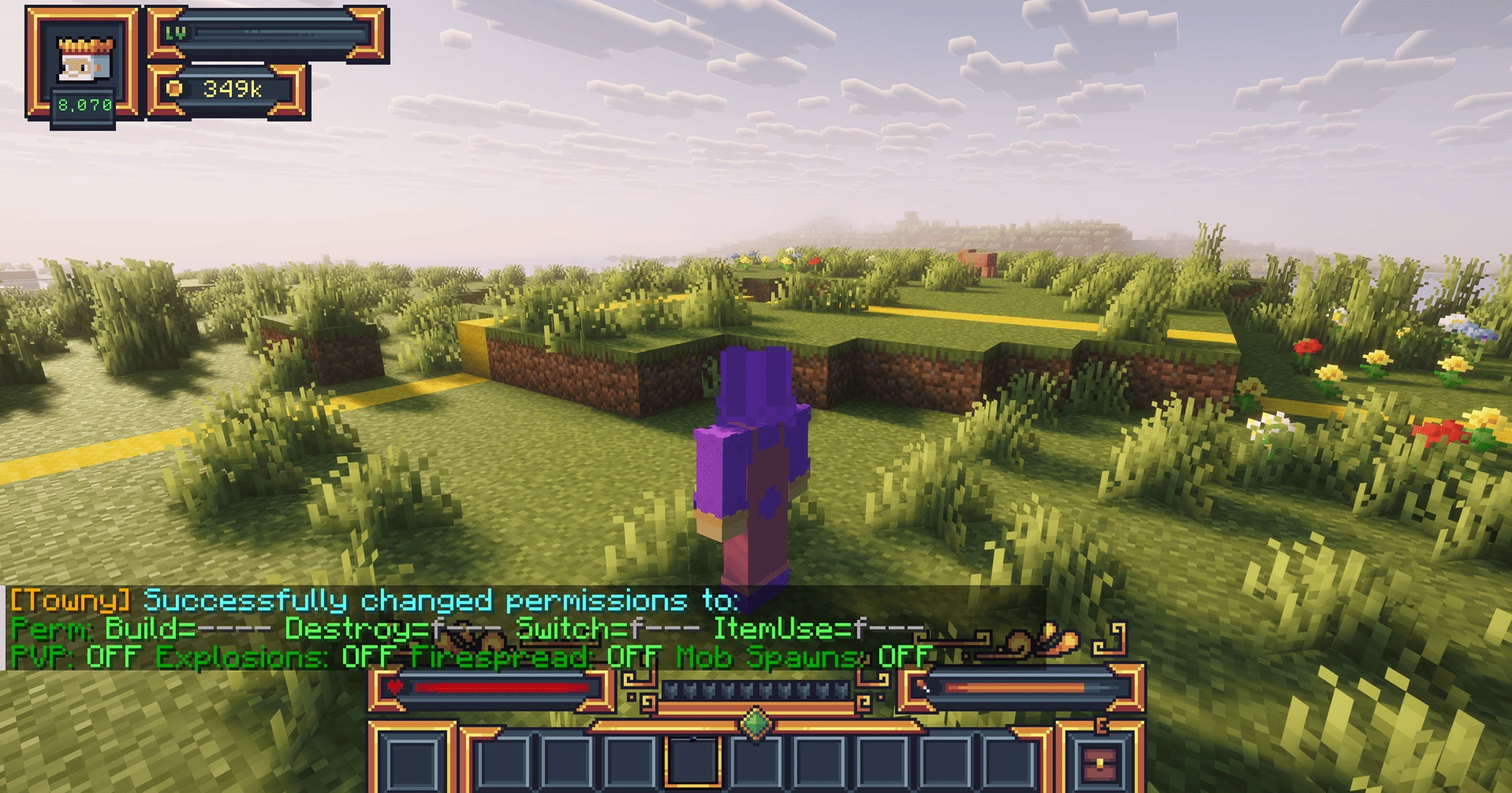
Towny includes resident tools for displaying plot and town borders. If you need the exact border-related commands, continue to the Resident Commands Wiki.
🗺️ Viewing Towny Plots on the Map
Once you understand a single townblock, it becomes much easier to understand an entire town. Multiple neighbouring claims combine into a larger territory, allowing towns to grow around rivers, roads, terrain and other settlements instead of forming one perfect square.
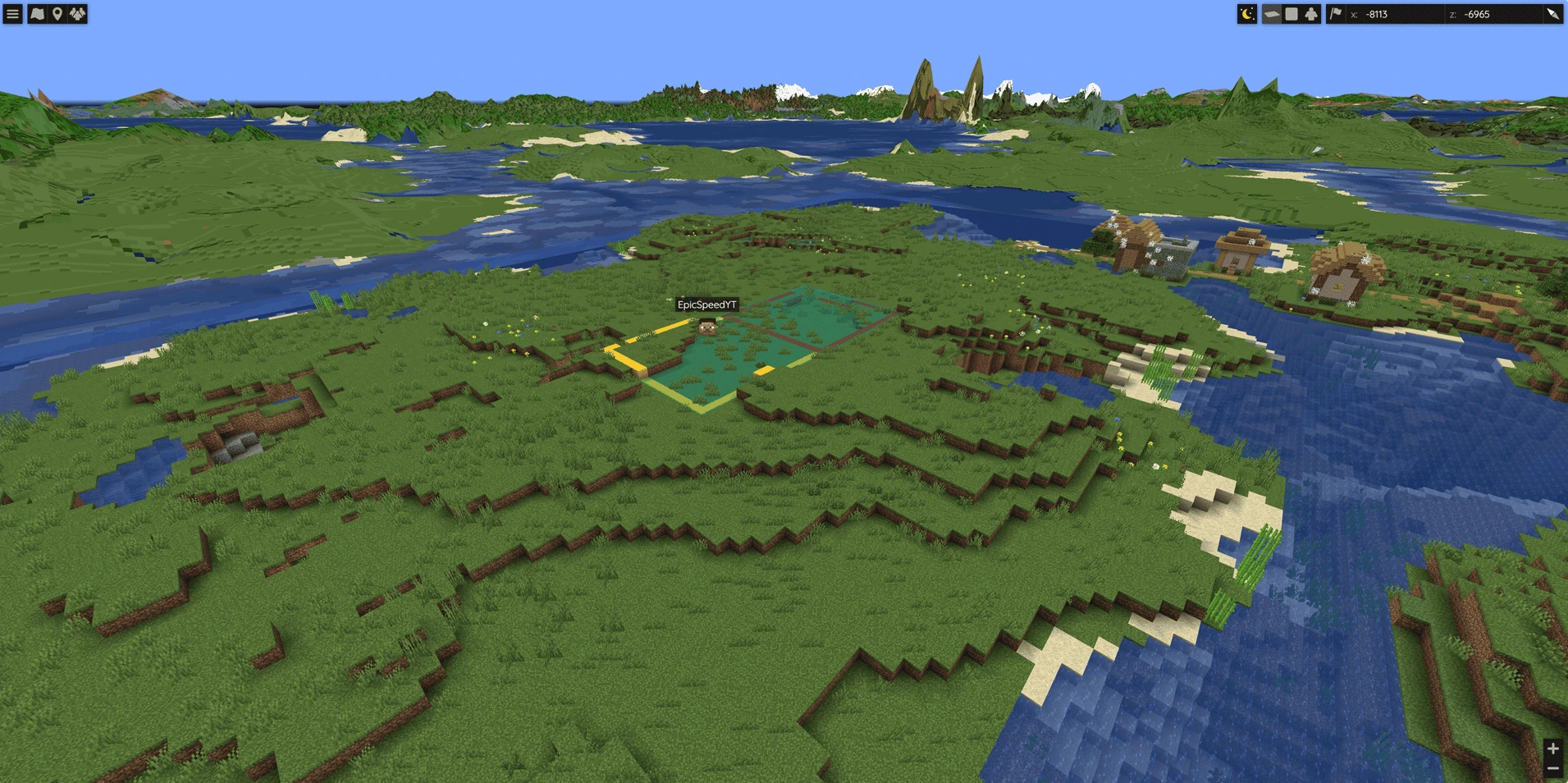
For Towny's built-in map, /towny map displays the Towny map view. You can find it together with every other current command in our Minecraft Towny Commands List (2026).
💰 How to Put a Towny Plot Up for Sale
After land belongs to a town, town leadership can make eligible plots available to residents. The basic command for putting the current plot up for sale is:
/plot forsale [price]
The chosen price is attached to that plot. In the example below, Acropolis has placed the plot on sale for 500cr. That is the price chosen for this example plot, not a universal price for every Towny plot.
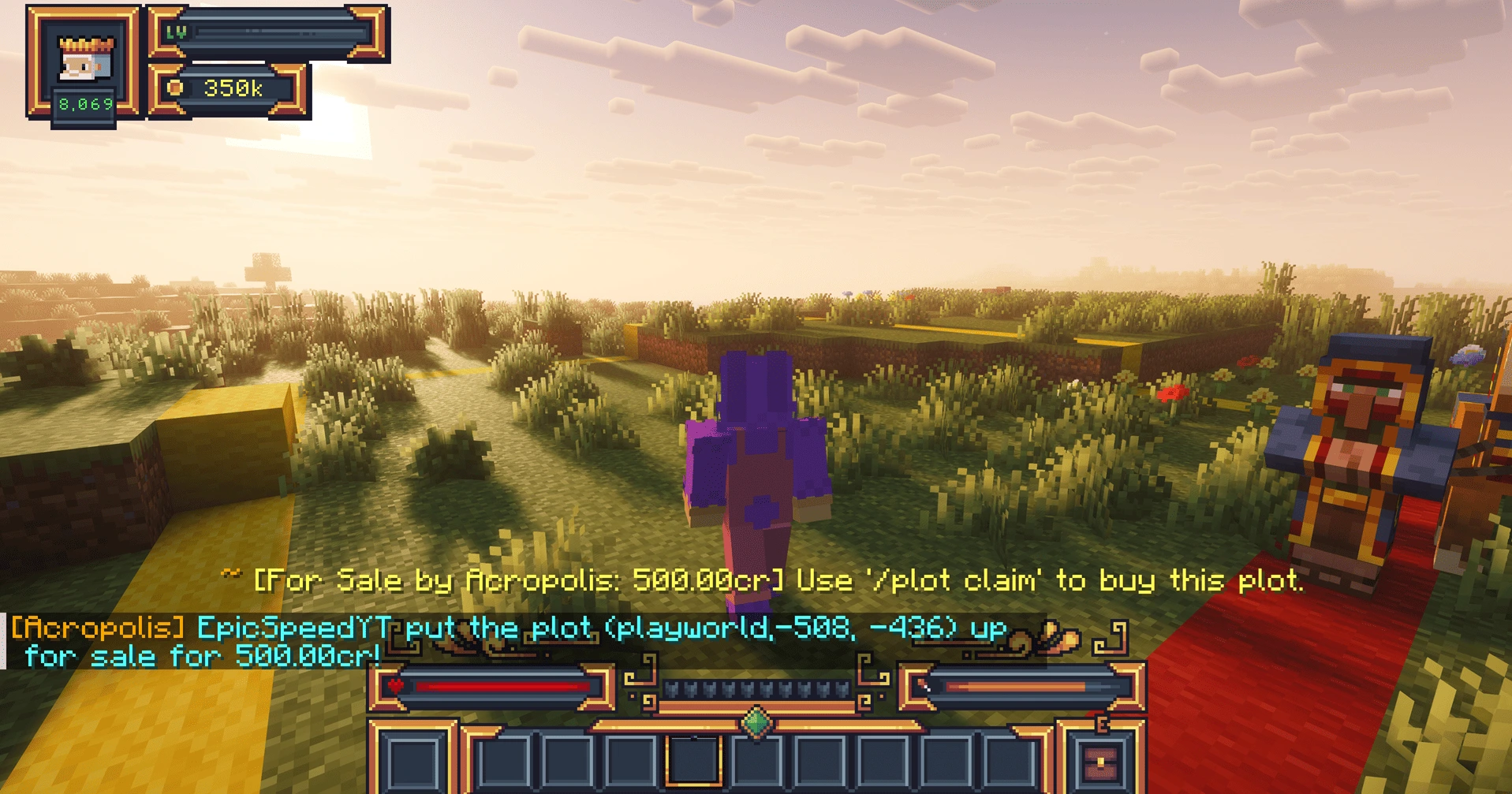
For sale controls, plot types, groups and other management options are covered in the Plot Commands Wiki.
🏡 How to Buy and Claim a Towny Plot
Once a plot has been placed for sale, a resident can stand inside it and use:
/plot claim
If the player meets the requirements and can afford the listed price, Towny processes the claim and assigns the personal plot to that resident.
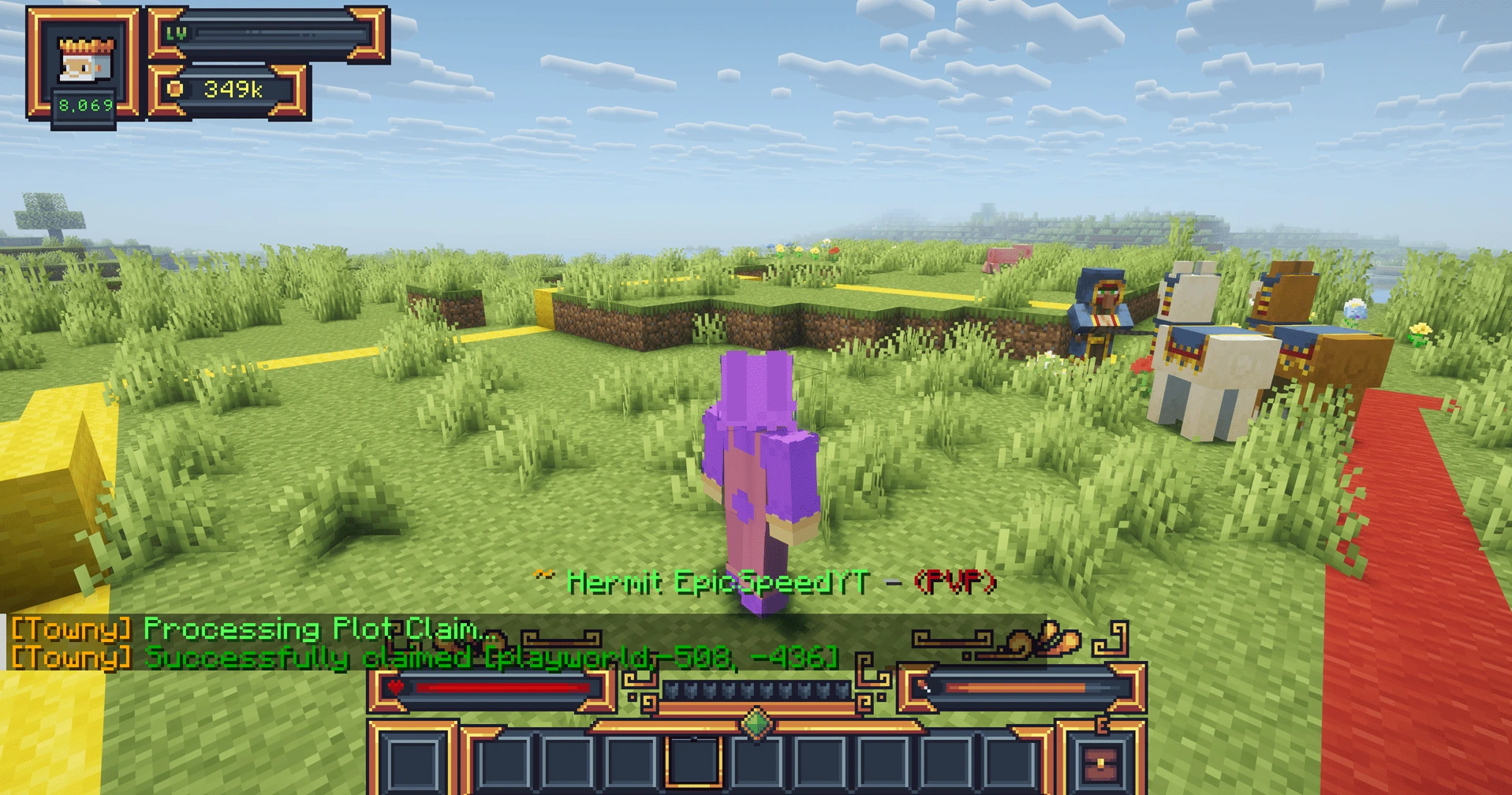
Remember the difference: /town claim is about town territory; /plot claim is about personal plot ownership. For all available variants, see the complete Towny command reference.
🔐 Towny Plot Permissions Explained
Owning a plot does not mean every player automatically has the same access to it. Towny separates common actions into several permission categories:
- Build — placing blocks.
- Destroy — breaking blocks.
- Switch — interacting with configured switch-type blocks.
- ItemUse — using configured items inside the plot.
Plots can also have settings for PvP, explosions, fire spread and hostile mob spawning, subject to the wider server and Towny configuration.
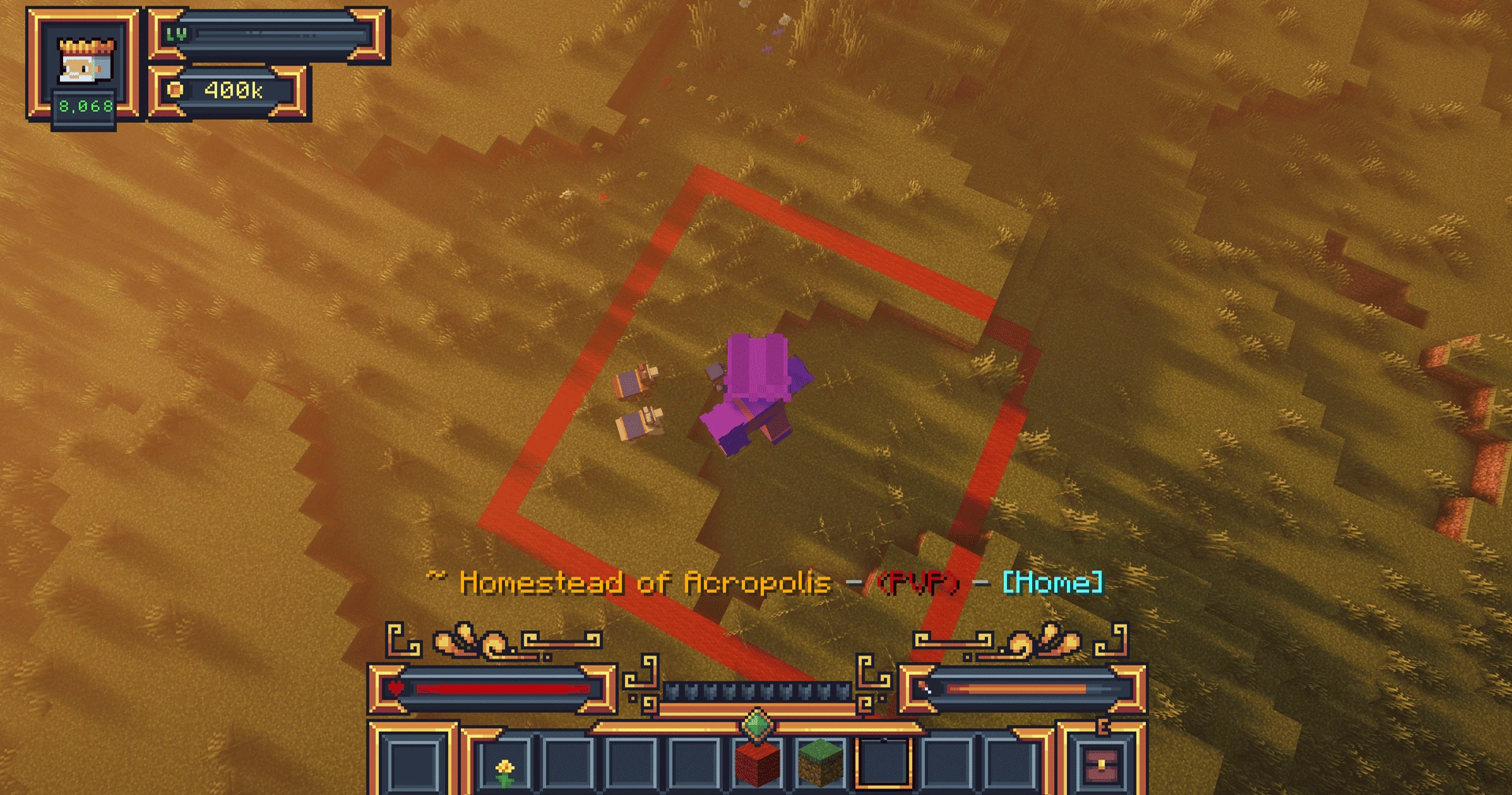
Commands such as /plot perm, /plot perm gui, /plot set perm and the various /plot toggle commands provide more control. See the Plot Commands Wiki for their full syntax.
🤝 How to Give Friends Access to Your Plot
If you want another player to help with a build, you do not necessarily need to open your plot to everyone. Towny provides targeted plot trust and permission tools, including /plot trust add [name] and plot permission overrides.
This is useful for shared houses and community projects because you can give selected players access while keeping the plot protected from everyone else. Resident-related tools are documented in the Resident Commands Wiki, while plot-specific trust controls are listed in the Plot Commands Wiki.
🏷️ Towny Plot Types
Not every plot has to be ordinary residential land. Towny supports specialized plot types that allow towns to organize different areas for different purposes.
| Plot type | Typical purpose |
|---|---|
| Normal | Standard town or resident land. |
| Shop | Commercial areas and player shops. |
| Embassy | Special plots designed for use beyond ordinary town residents. |
| Arena | Areas intended for combat-related use. |
| Wilds | Plots with special wilds behaviour. |
| Inn | Inn-type plots supported by Towny. |
| Jail | Plots used by Towny's jail system. |
| Farm | Land configured as a farm plot. |
| Bank | Bank-type town plots. |
| Outpost | Town outpost territory away from the main settlement. |
The available commands include /plot set shop, /plot set embassy, /plot set arena, /plot set wilds, /plot set inn, /plot set jail, /plot set farm, /plot set bank and /plot set outpost. Check the Plot Commands Wiki before changing a plot type.
⚔️ Plot Protection, PvP and Towny Wars
A plot's local protection or PvP settings should not be confused with a Towny war system. A plot can have PvP-related settings without the server necessarily running an active territorial war, and different Towny servers can use different war plugins or no war system at all.
If you want to understand the difference between normal Towny territory and systems such as EventWar or SiegeWar, read Towny Wars Explained: All War Types & How They Work.
⌨️ Essential Towny Plot Commands
You do not need to memorize dozens of commands to start using plots. These cover the most common tasks:
| Command | Purpose |
|---|---|
| /plot claim | Claim a personal plot that is for sale. |
| /plot unclaim | Unclaim a personally owned plot. |
| /plot forsale [price] | Put a plot up for sale at a chosen price. |
| /plot notforsale | Remove a plot from sale. |
| /plot perm | Show the permission line for the current plot. |
| /plot trust add [name] | Add a trusted player to the plot. |
| /plot toggle pvp | Toggle PvP for the current plot when allowed. |
| /plot toggle fire | Toggle fire spread for the current plot when allowed. |
| /plot toggle explosion | Toggle explosions for the current plot when allowed. |
| /plot toggle mob | Toggle hostile mob spawning for the current plot when allowed. |
| /town claim | Claim the current townblock for the town. |
| /towny map | Display Towny's map view. |
🛠️ Common Towny Plot Problems
Why can't I claim a Towny plot?
Make sure the land is already inside a town and the plot has actually been placed for sale. You may also need sufficient funds and the correct resident status or permissions. Read the message returned by Towny because it will often identify why the claim failed.
Why does /plot claim not work in Wilderness?
/plot claim is for claiming an available personal plot inside town territory. Wilderness must first be annexed by a town using the town claiming system before it can become town-controlled land.
Why can't my town claim more land?
The town may have reached its available claim capacity, lack the required funds or permissions, or be attempting to claim an invalid location. The Town Commands Wiki covers the available claiming tools.
Why can't I build on my Towny plot?
Check that the plot is actually owned by you and inspect its Build permission. /plot perm shows the permission line of the plot you are currently standing in.
Why can't my friend build or interact on my plot?
Build, Destroy, Switch and ItemUse are separate permission categories. Access to one does not automatically grant every other action. Plot trust and permission overrides can be used to give selected players more targeted access.
How do I see my Towny plots?
Towny includes /resident plotlist for resident plot lists and /town plots [townname] for town plot information. Exact syntax and related commands are available in the Towny Commands List.
How do I unclaim a Towny plot?
A resident can use /plot unclaim for personally owned land when the server's rules allow it. This is different from /town unclaim, which removes territory from the town itself.
❓ Towny Plots FAQ
How big is a Towny plot in Minecraft?
On MineKai, a standard Towny townblock is 16×16 blocks, matching the horizontal size of one Minecraft chunk.
Is a Towny plot the same as a chunk?
On MineKai, standard Towny land follows the Minecraft chunk grid. Each standard townblock therefore has a 16×16-block footprint.
How do I claim a plot in Towny?
For a personal plot, stand inside a plot that has been placed for sale and use /plot claim. To claim new territory for the town instead, authorized town members use /town claim.
How do I buy a Towny plot?
Find a town plot that has been offered for sale, check its price, stand inside it and use /plot claim. If the requirements are met, Towny assigns the plot to you.
How do I sell a Towny plot?
Eligible town-owned land can be offered for sale with /plot forsale [price]. Towny then displays the sale price so residents know the plot can be claimed.
How do I let friends build on my Towny plot?
Use targeted plot trust or permission controls rather than opening the plot to everyone. For example, Towny provides /plot trust add [name] as well as plot permission overrides.
What's the difference between /town claim and /plot claim?
/town claim expands a town by annexing a townblock. /plot claim gives a resident personal ownership of a plot that has been placed for sale inside town territory.