Your armor shows what you survived. Your town shows what you built. Cosmetics show a little more of who you are while doing it.
MineKai includes a growing collection of custom visual content designed to let players personalize their character and surroundings. From hats and backpacks to particles, death effects, furniture and animated 3D cosmetic sets, the goal is to make customization feel like part of the world rather than a separate menu you forget exists.
🎨 Customization Without Replacing the Game
Cosmetics work best when they add personality without becoming the entire reason to play. MineKai is still a Towny survival world first: players build towns, form nations, trade, explore, fight custom bosses and progress through the server.
Visual customization sits on top of that experience. A cosmetic can make your character recognizable in a busy spawn, give a town event its own look, or become a collectible that reminds you of a particular season or moment on the server.
Make your character easier to recognize.
Build a library of visual items over time.
Use seasonal content to mark special moments.
Give towns and groups more ways to develop a visual identity.
🎩 What Can You Customize?
MineKai uses several cosmetic categories rather than forcing every visual item into one system. Different categories change different parts of how your character or environment looks.
🎩 Hats
Wearable cosmetic pieces that change your character's silhouette and give outfits a stronger theme.
🎒 Backpacks
Visual back-slot cosmetics ranging from simple accessories to larger custom models.
✨ Particles
Visual particle effects that add movement and color around your character.
🏹 Projectile particles
Customize the visual trail or effect associated with projectiles without changing their normal gameplay role.
💀 Death effects
Add a distinctive visual effect to one of Minecraft's least glamorous moments.
🪑 Furniture
Decorative custom models give homes, shops and town interiors more personality than vanilla blocks alone.
🧊 Animated 3D Cosmetics
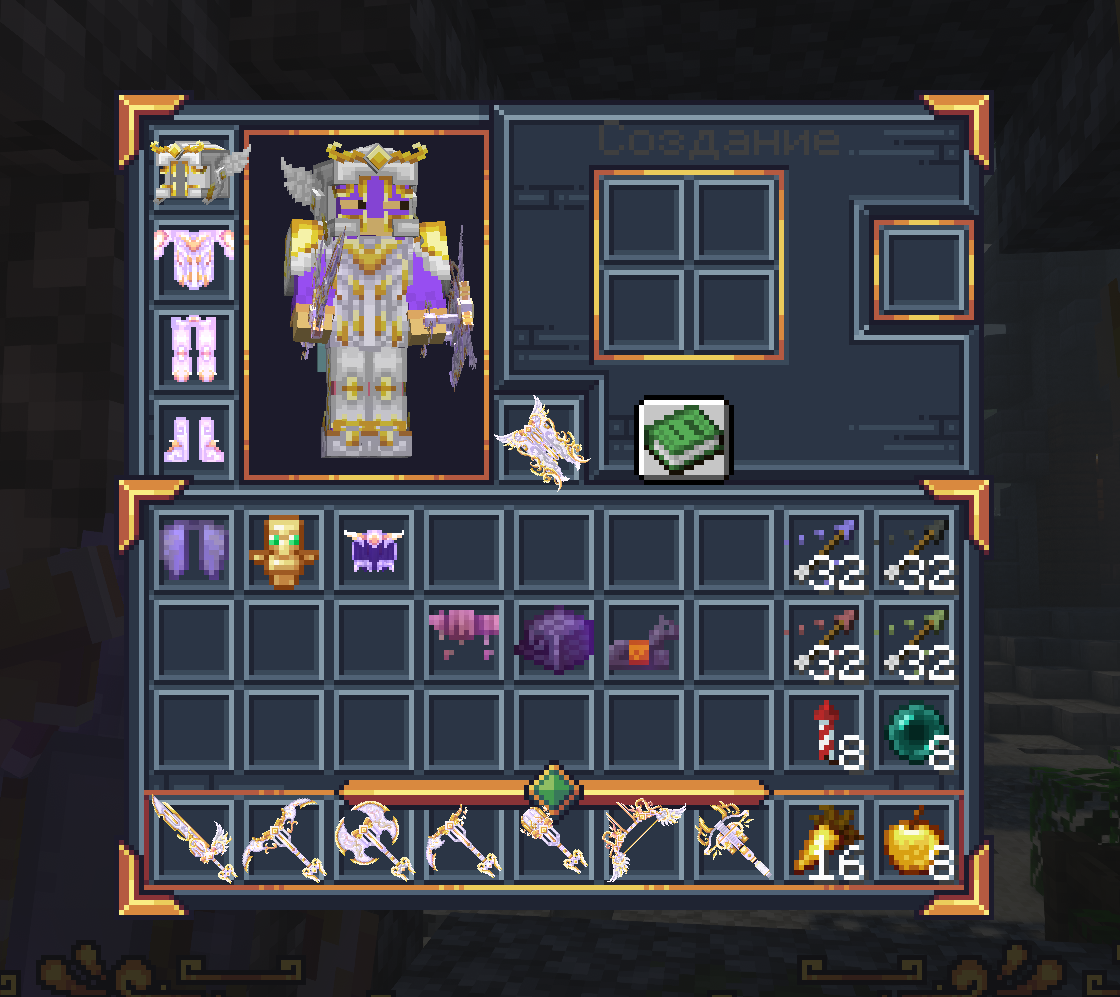
Some of MineKai's most distinctive visual content comes from custom 3D models and animated cosmetic sets. These are designed to feel more like actual pieces of the server's visual identity than simple recolored vanilla items.
A complete set can combine several visual elements into one theme, while individual cosmetics let players mix and match their own look. The result is more flexibility: some players prefer a clean character with one subtle accessory, while others enjoy building a full themed outfit.
✨ Animated details
Movement and custom model work can make a cosmetic feel alive instead of looking like a static item attached to the player.
🧩 Cosmetic sets
Matching pieces can create a complete visual theme while still remaining separate from ordinary survival equipment.
Because these items are visual, they also give MineKai a more recognizable in-game identity. Screenshots, events and crowded town areas look less like a completely stock survival server when players can personalize their appearance.
🌠 Particles, Projectiles & Death Effects
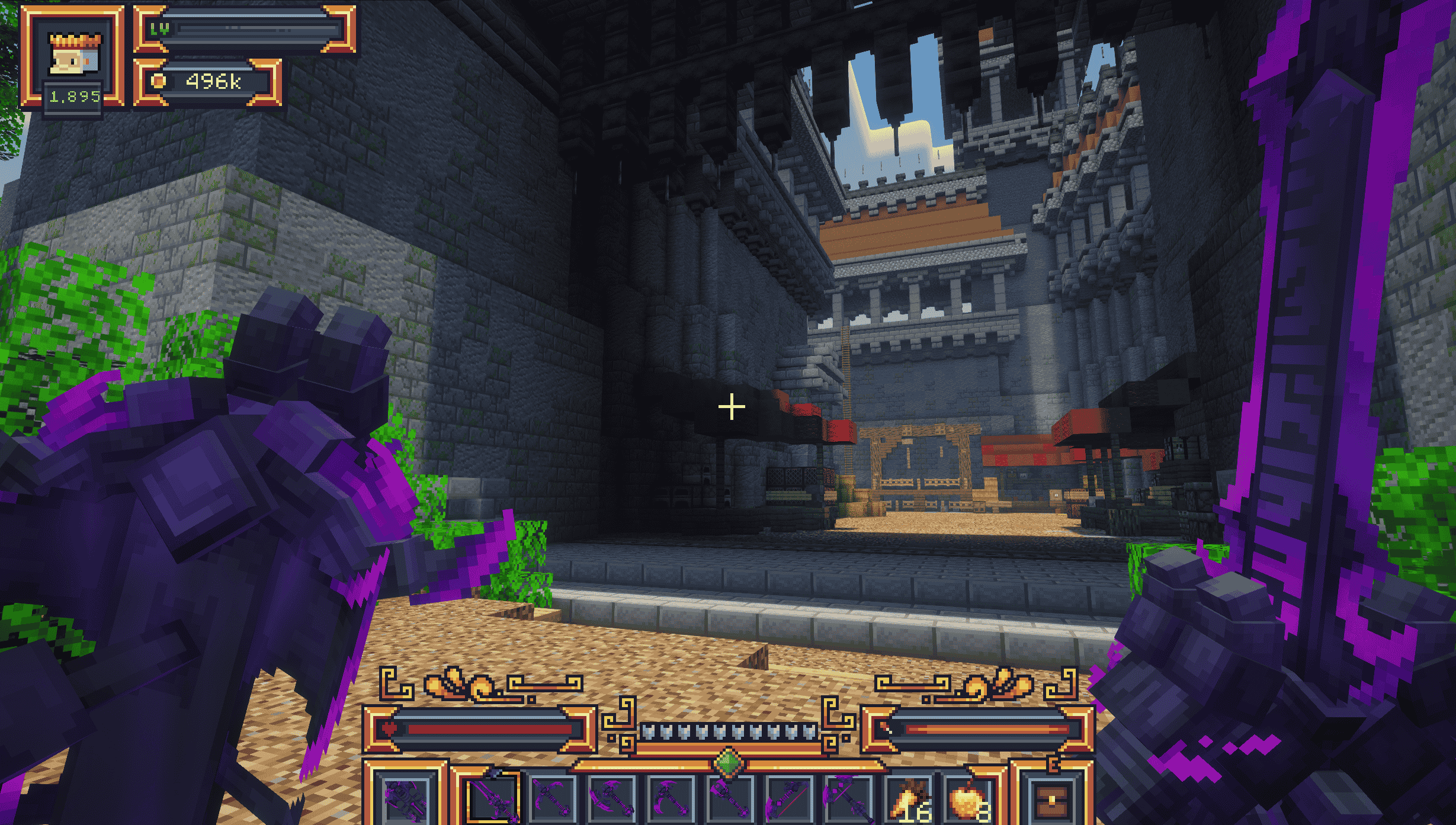
Not every cosmetic needs to be a physical object. Effects are useful because they customize movement and moments rather than taking up visual space on the character model.
A particle effect may become part of your usual appearance. A projectile effect appears only when you use the relevant action. A death effect is visible for a brief moment and then disappears. Each category creates a different level of visual presence.
🪑 Cosmetics Are Not Only for Your Character
Furniture extends customization into the world itself. That matters on a Towny server because players often spend far more time looking at their town, home, shop or public buildings than at their own character model.
Decorative models can help a tavern look like a tavern, make a marketplace feel more complete, or give a private home details that would be difficult to reproduce with normal blocks.
This is where cosmetic content and Towny naturally fit together: players are not only customizing a skin — they are creating places that other people will visit and remember. For the broader server philosophy behind systems like this, see What Makes MineKai Different?.
🎉 Collectibles, Seasons & Community Moments
Some cosmetics are most interesting because of when they were available or how they were earned. Seasonal content, event rewards and limited collections can become small records of MineKai's history.
A cosmetic from an early event means something different a year later. It is no longer just a model; it is a reminder that the player was there when that part of the server happened.
🎃 Seasonal content
Temporary themes can give holidays and special periods their own visual style.
🏆 Event rewards
Community events can use visual rewards as a way to mark participation or achievement.
🧳 Long-term collections
Players who enjoy collecting can gradually build a larger library instead of chasing one permanent “best” cosmetic.
❤️ Community identity
Shared visual themes can become recognizable parts of towns, groups or server-wide events.
🎁 Where Crates Fit Into the System
MineKai also uses crates as one of several reward and collection systems. They can provide another way to discover items and rewards rather than requiring every piece of content to come from the same menu or activity.
Crates are intentionally only one part of the wider server. Towny, economy, quests, bosses, progression and player trading all exist independently, so opening a crate is not meant to replace actually participating in the world.
For players who mainly care about customization, the useful part is variety: cosmetics, collectible content and other rewards can be distributed through different activities instead of making every visual item feel identical to obtain.
❓ MineKai Cosmetics FAQ
Does MineKai have custom cosmetics?
Yes. MineKai includes custom visual content such as hats, backpacks, particles, projectile effects, death effects, furniture and animated 3D cosmetics.
Are there cosmetic sets?
Yes. Some MineKai cosmetics are designed as matching sets, while others can be used individually and combined with different visual styles.
Can I customize more than my character?
Yes. Furniture and decorative custom models extend visual customization into homes, shops, towns and other player-built spaces.
Does MineKai have particles and visual effects?
Yes. MineKai supports several visual-effect categories, including character particles, projectile particles and death effects.
Are crates the only way to get cosmetics?
No. Crates are one reward system among several. MineKai also uses store categories, events, progression and other activities for different types of content and rewards.
Do cosmetics replace normal progression?
No. MineKai's Towny, gameplay economy, skills, quests and other progression systems remain separate from visual customization.
What version does MineKai run?
MineKai currently runs on Minecraft Java Edition 1.21.11.
✨ Build a Look That Becomes Yours
The point of cosmetics is not to tell every player how they should look. It is to give them enough options that two people can play the same server and still develop completely different visual identities.
MineKai's customization systems are built around that idea: collect what you like, ignore what you do not, and let your character and builds gradually become more recognizable as your time on the server grows.
Server IP: mc.minekai.com
Minecraft Java Edition · 1.21.11
The best server features. Not every server can offer free character customization, much less a free one.