
Minecraft Earth Map With Caves & World Wonders
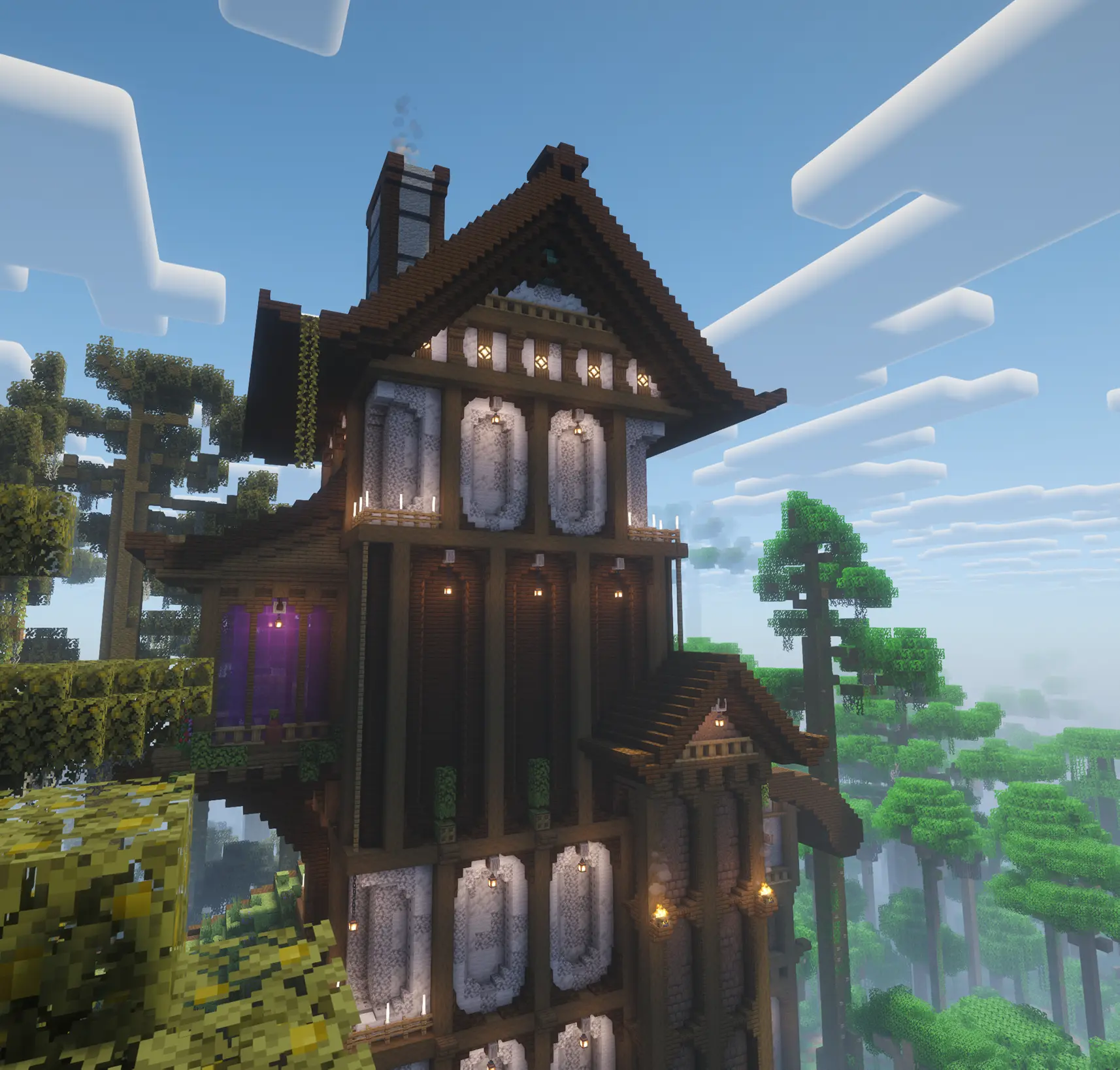
Putting a map of Earth into Minecraft is a great start, but what happens after the excitement of finding your country wears off? On MineKai, the answer is real underground exploration, preserved vanilla structures, hidden ruins and capturable World Wonders that can turn a peaceful Towny settlement into the center of a territorial rivalry
Many Minecraft Earth map servers focus on getting the continents right, then leave everything else feeling strangely empty. The surface looks like Earth, but digging down becomes a long conversation with stone, and exploring distant places gives you little more than a screenshot. MineKai takes a different approach: the map is only the beginning of the adventure
🌍 A Minecraft Earth Map That Is More Than a Pretty Globe
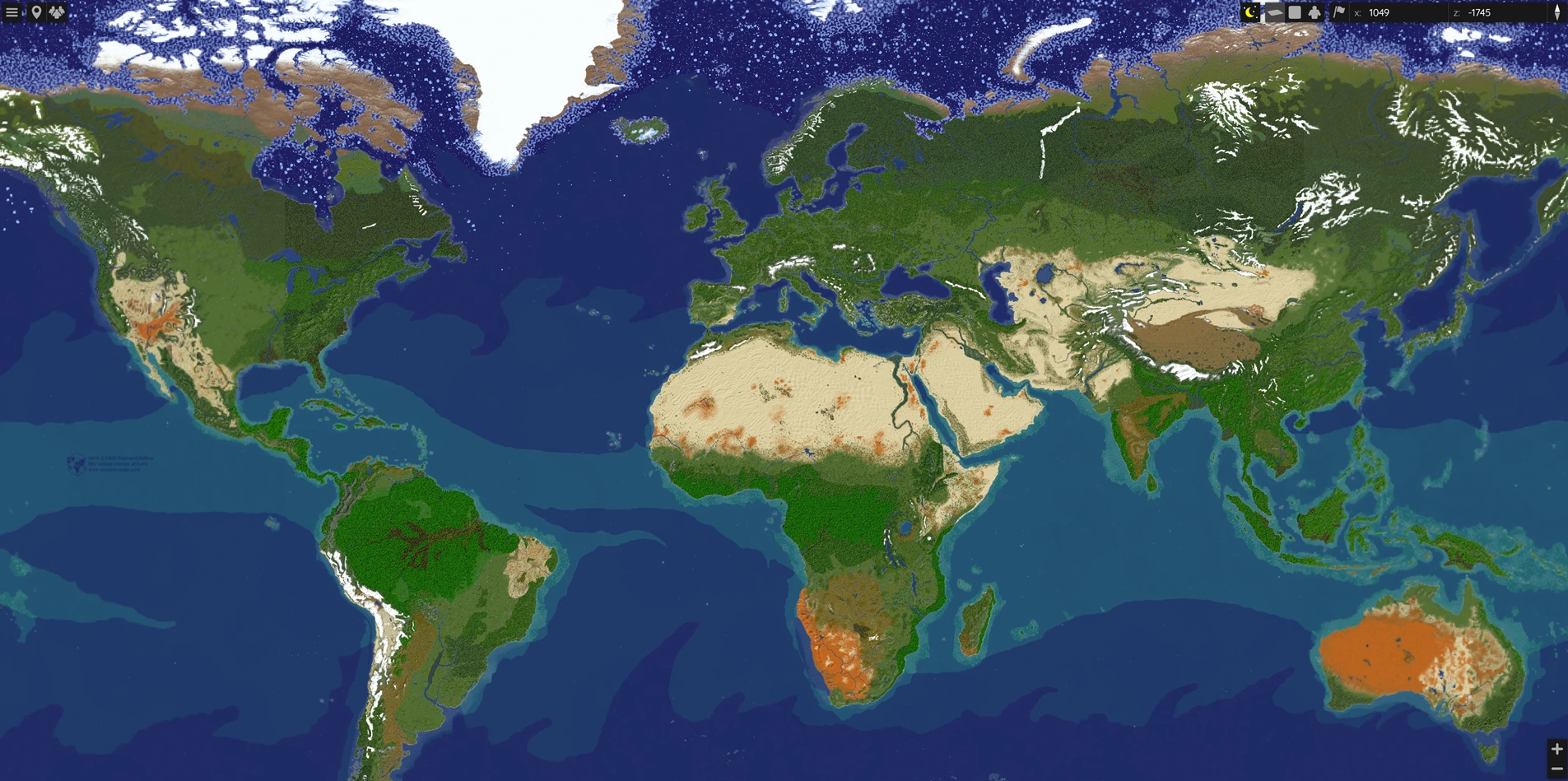
MineKai's main survival world is a 40,000 × 20,000 Minecraft Earth map with recognizable continents, oceans and regions. You can travel through Europe, cross Africa, settle in the Americas or start a town in Asia, but the geography is only the stage. The real story comes from the people building on it
With Towny, players can claim land, establish towns and join nations. Mountains become natural borders, islands become strategic outposts and coastlines become places for ports and trading settlements. You might choose a location because you love the scenery, while your neighbor chooses it because they have already planned a suspiciously large fortress
For a wider look at the terrain and MineKai's other dimensions, see our guide to MineKai's custom Minecraft worlds
🏛️ The Earth Map Keeps Minecraft's Vanilla Structures
One problem with some custom world maps is that the terrain looks amazing but loses part of what makes Minecraft survival Minecraft. Familiar naturally generated structures disappear, and suddenly the world feels more like an enormous building canvas than a place full of discoveries
MineKai is designed to keep vanilla Minecraft structures as part of the Earth-map experience. The familiar survival content matters alongside custom terrain and new points of interest, so exploring is not limited to admiring a landscape or finding a place to put your first chest
This balance is important: MineKai does not want to replace every recognizable part of Minecraft with a custom attraction. The goal is to build on top of the survival game players already enjoy, then give them more reasons to venture into unfamiliar territory
⛏️ Beneath the Earth Map, There Is an Actual Underground World
Here is the part many Earth map projects overlook: what is underneath the continents? Some worlds look incredible from above, but below the surface you find enormous stretches of plain stone with few meaningful caves. You can mine, sure, but the underground rarely feels like a world worth exploring
MineKai addresses this by integrating Minecraft-style underground generation into its custom Earth map. Instead of treating the subsurface as a solid block beneath attractive terrain, the underground is generated to bring back cave exploration and the familiar feeling of venturing deeper into a survival world
Most importantly, the caves are part of the same Earth overworld. You do not need to leave the world map or enter a separate dimension just to get a proper underground adventure. The surface and the world below are connected, allowing a journey to naturally continue from a town, forest or mountain into the depths
Explore real-world geography
Travel across recognizable continents, discover settlements and enjoy the variety of the custom Earth terrain
Discover generated caves
Dig beneath the same map into a Minecraft-style underground instead of an unbroken mass of stone
This makes a difference for anyone who likes both building and survival. You can establish a town on the surface, head underground for resources and exploration, then return home without feeling that the map's interesting content ends at ground level
And yes, when the mayor announces an ambitious underground mining project, it should mean discovering caves, not just hiring five residents to stare at stone for the rest of the weekend
🏰 World Wonders: Discover Landmarks Worth Fighting For
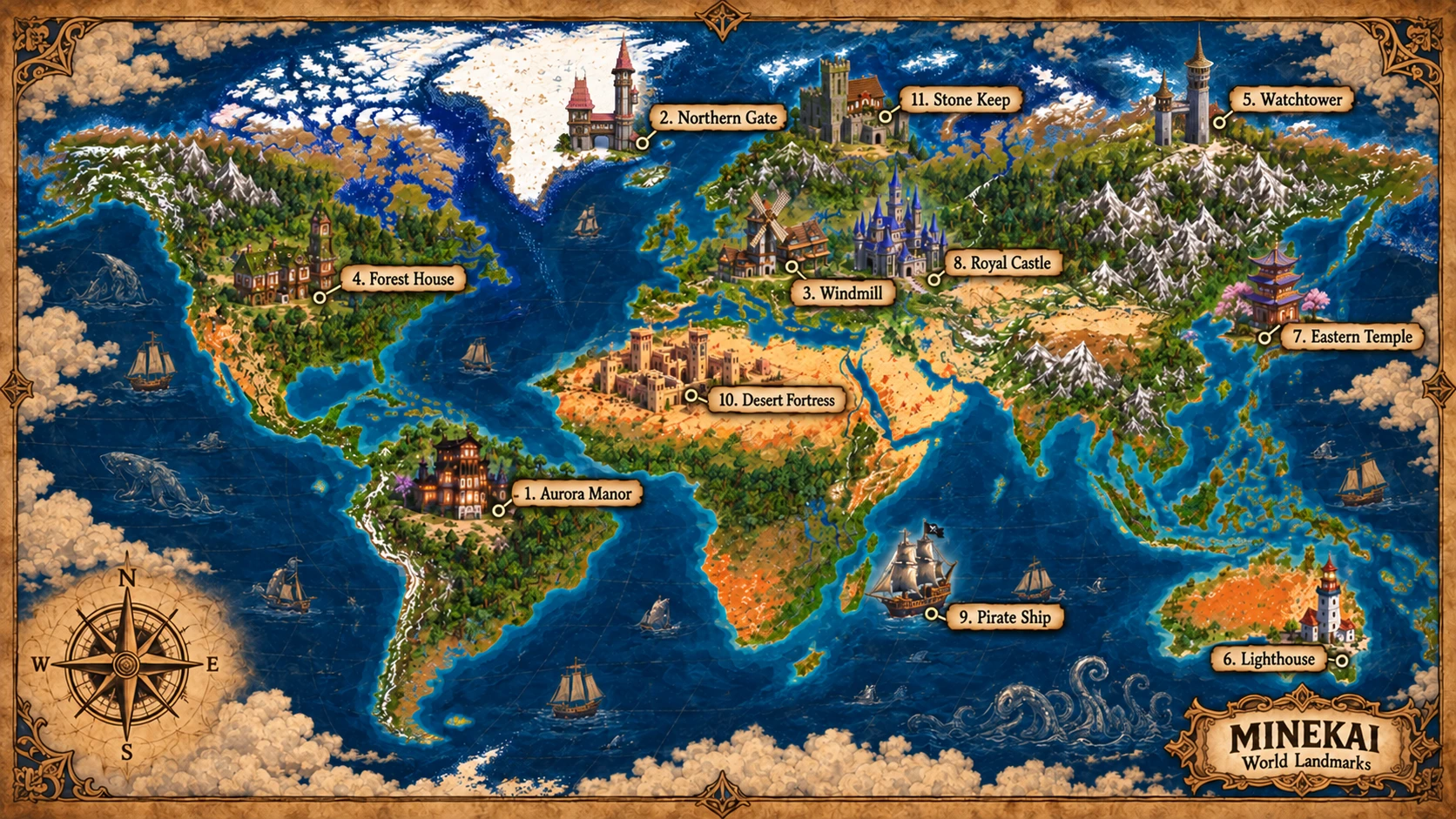
Scattered across MineKai's Earth map are special World Wonders, also presented as World Landmarks. These are distinctive themed locations that give explorers recognizable destinations far beyond their home town. Instead of every landmark being player-built, the world already contains places with stories and strategic value
The illustrated landmark map features 11 named locations, including Aurora Manor, Northern Gate, Windmill, Forest House, Watchtower, Lighthouse, Eastern Temple, Royal Castle, Pirate Ship, Desert Fortress and Stone Keep. They span different regions and architectural styles while adding a fantasy-adventure identity to the familiar shape of Earth
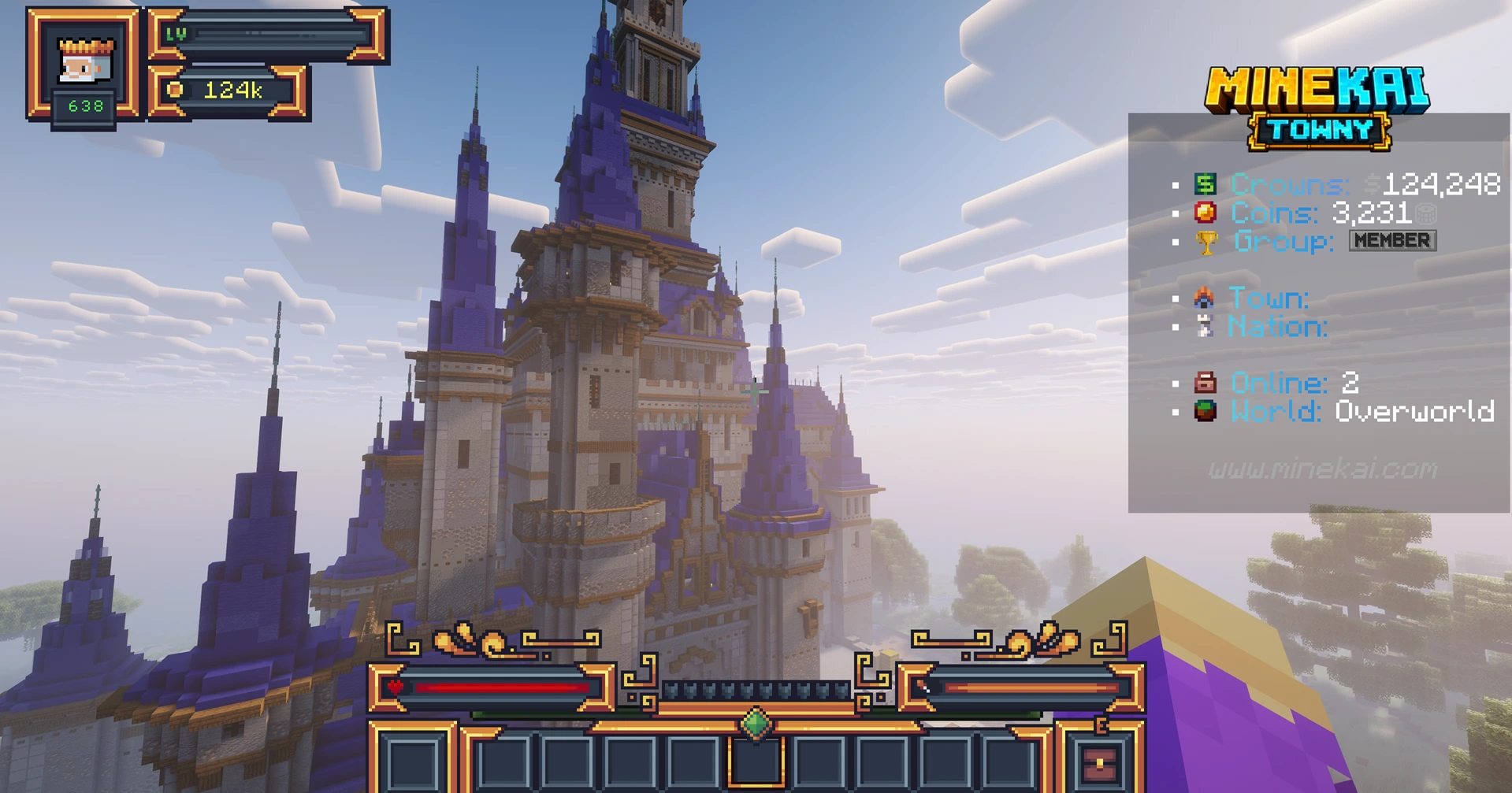
Some locations are dramatic enough to dominate the skyline. Others reward players who are willing to look past the main roads and explore less obvious corners of the map. You are not just collecting travel screenshots, though you are definitely allowed to take a few
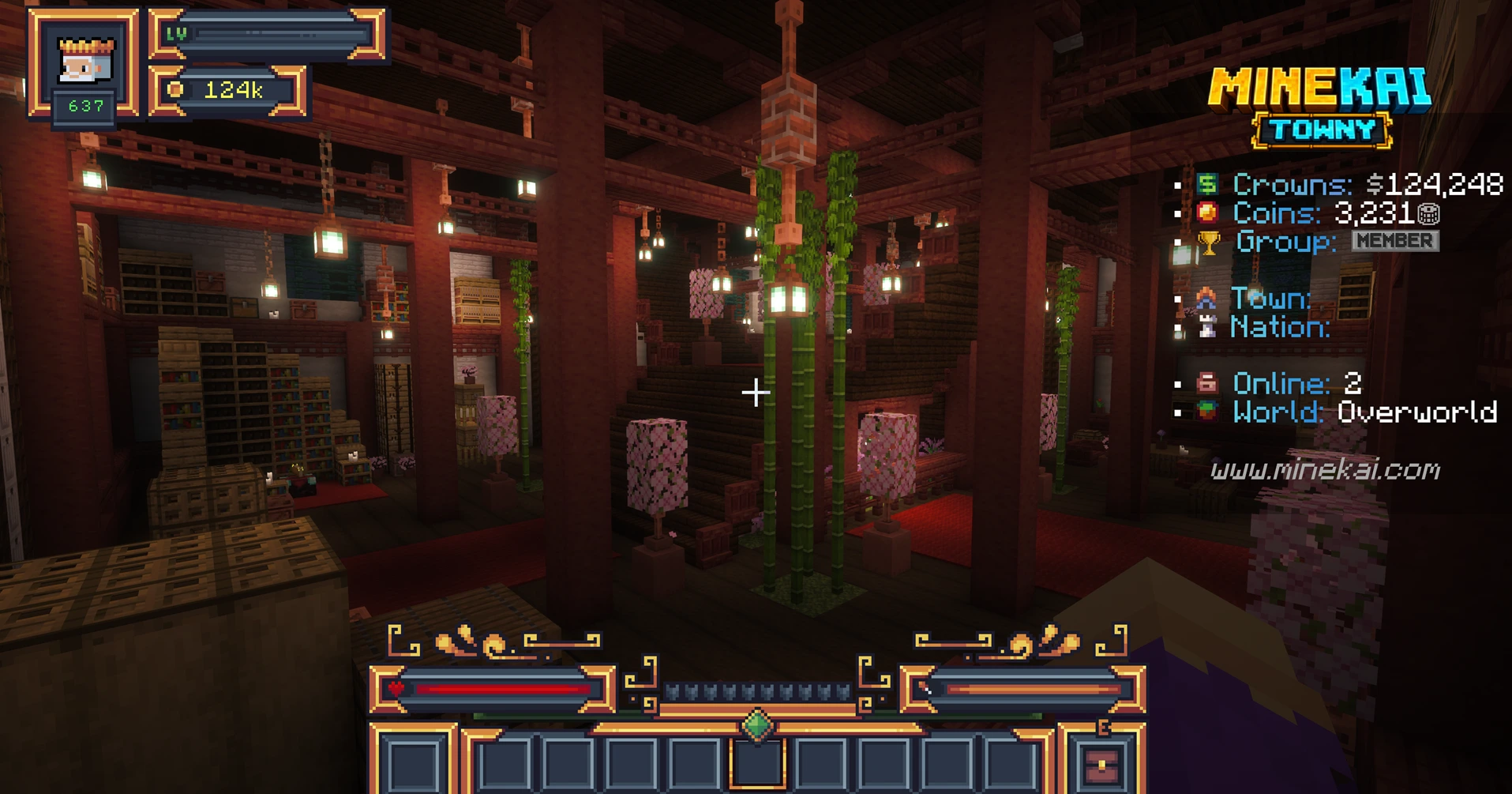
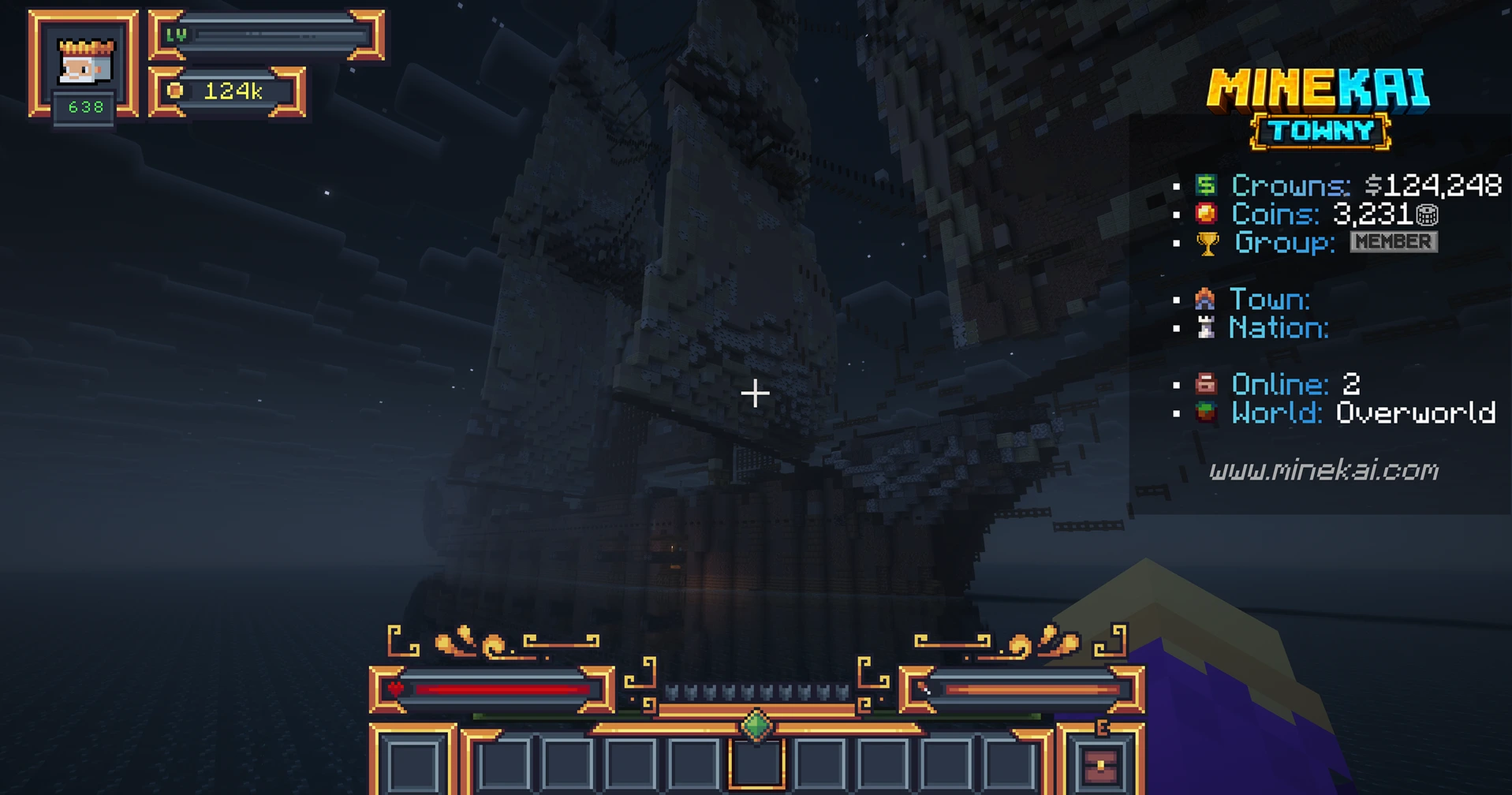
Each place offers a reason to cross the world, especially once other Towny settlements begin competing for ownership
⚔️ Towny Captures: World Wonders Can Change Hands
Here is the key difference between MineKai's landmarks and ordinary decorative structures: World Wonders can be captured by towns and nations through a Towny Captures system. Finding one is not necessarily the end of the adventure. It can be the start of a rivalry
Controlling a Wonder provides valuable bonuses, including resources and in-game currency. That gives locations an economic purpose beyond looking impressive. A successful town can pursue control of a landmark to strengthen its position, while rival towns and nations have a reason to challenge that ownership
And no landmark is guaranteed to remain yours forever. Another town or nation can take it from you, creating competition over important locations and giving the map a changing political story driven by players
Find a World Wonder
Explore the Earth map and locate a named landmark your town or nation wants to control
Claim strategic value
Compete for control of the location through the server's Towny Captures gameplay
Earn useful rewards
Controlled Wonders can provide bonuses such as resources and in-game currency
Prepare for rivals
Other towns and nations can contest ownership, so yesterday's victory is not permanent
Imagine your town finally securing a valuable landmark after a long expedition. Everyone celebrates, the treasury is happy and the mayor announces that the future is bright. Three days later, a neighboring nation decides the future would look brighter with its flag on the same location
That is what makes Towny Earth map conquest interesting: geography becomes connected to politics, resources and player decisions. The world does not need scripted kingdoms when players are perfectly capable of inventing their own diplomatic disasters
If you are new to towns and nations, start with our Minecraft Towny beginner guide, then check the Towny commands guide for the practical side of managing a settlement
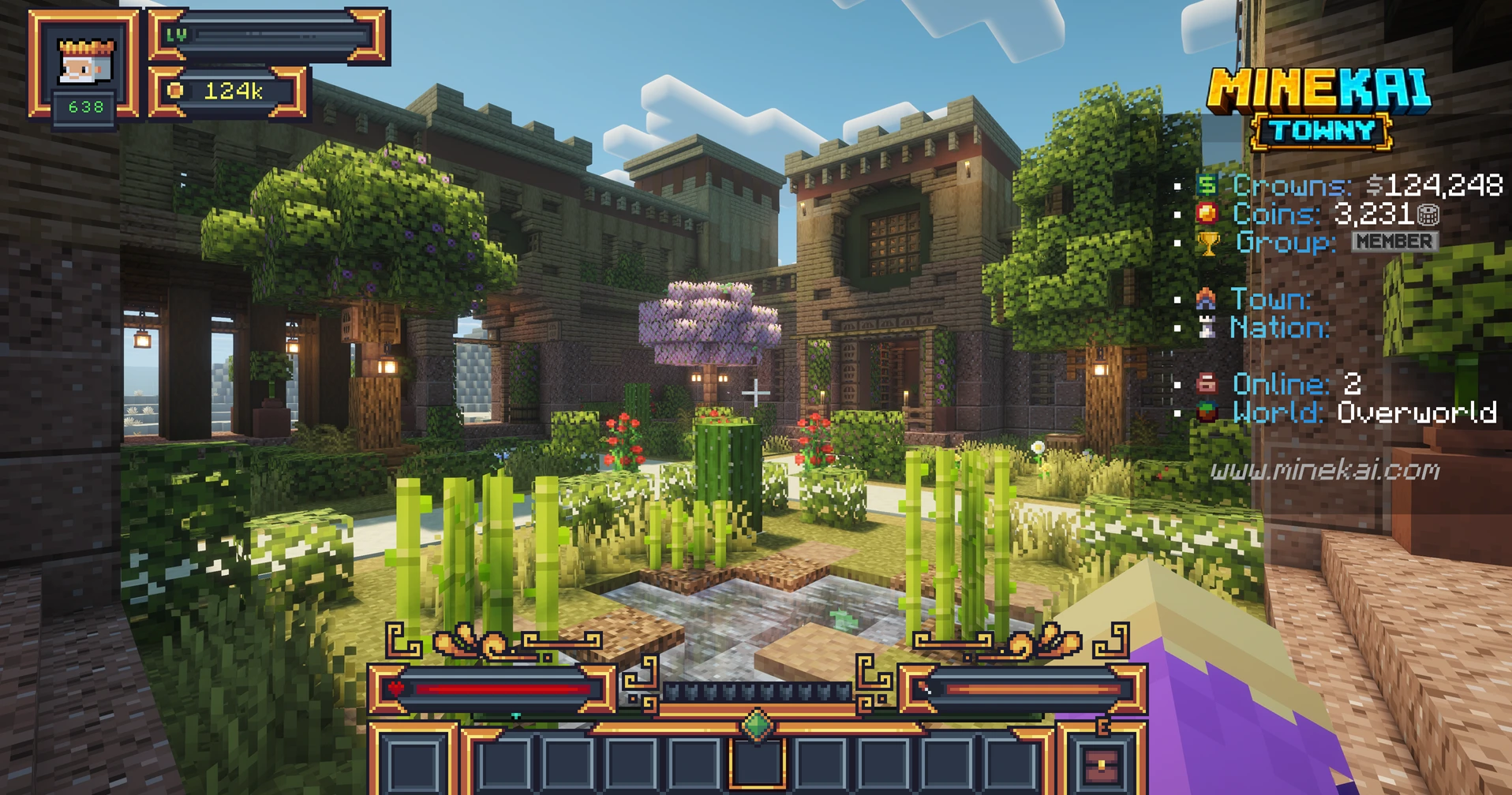
🧭 How to Start Exploring MineKai's Earth Map
You do not need to own a nation to enjoy the world. New players can explore the Earth map, discover existing settlements, investigate mysterious builds and plan their future home long before they become involved in large-scale Towny politics
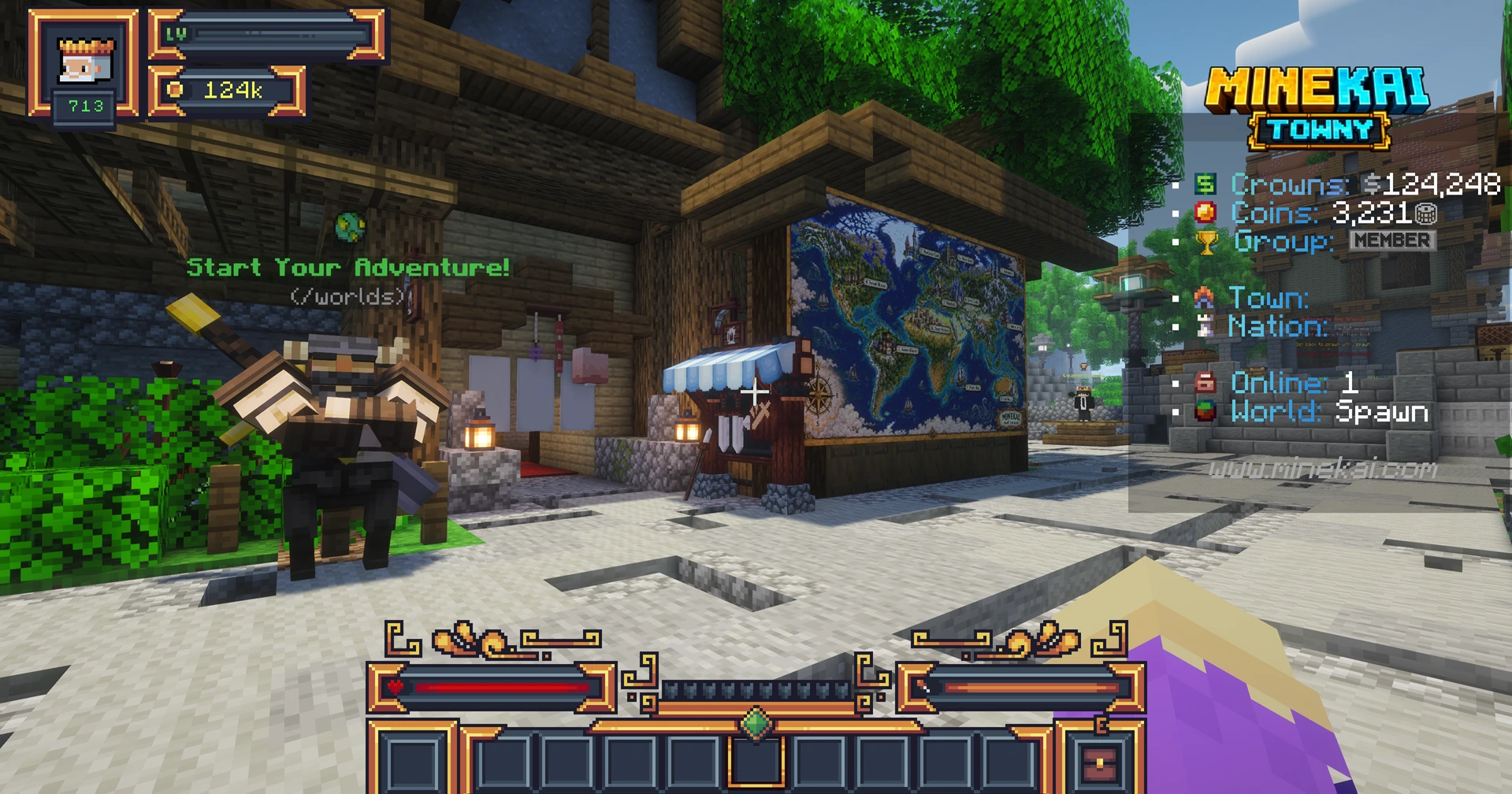
Pick somewhere on Earth
Use the live world map to find a region that looks interesting, or simply begin exploring from spawn
Look above and below
Visit the surface landmarks, then try exploring underground caves in the same Earth overworld
Search beyond the big icons
Keep an eye out for small ruins, statues, possible loot and suspiciously convenient entrances
Build a town or join one
Use Towny to settle down, become part of a nation and perhaps compete for a World Wonder of your own
If building a settlement is your next goal, the Towny plots guide explains how claims and plots work, while the MineKai Towny server page gives an overview of the gameplay you can expect
❓ Minecraft Earth Map and World Wonders FAQ
Is MineKai a Minecraft Earth map server?
Yes. MineKai is a Minecraft Java Towny survival server with a 40,000 × 20,000 Earth overworld, recognizable continents and player-created towns and nations
Does the MineKai Earth map have caves?
Yes. MineKai integrates Minecraft-style underground cave generation beneath its custom Earth terrain, so the overworld offers exploration below the surface as well as above it
Are vanilla Minecraft structures preserved on the Earth map?
Yes. MineKai preserves vanilla Minecraft structures as part of its custom Earth survival experience rather than replacing every familiar discovery with custom scenery
What are World Wonders on MineKai?
World Wonders are special themed landmarks spread across the Earth map, such as Royal Castle, Pirate Ship, Eastern Temple and Desert Fortress. Some have strategic value because towns and nations can compete to control them
Can towns and nations capture World Wonders?
Yes. MineKai uses a Towny Captures system in which towns and nations can compete for Wonders. Ownership can change when another town or nation takes control
What rewards do captured Wonders provide?
Controlled World Wonders can grant useful bonuses, including resources and in-game currency. Specific rewards depend on the landmark and the server's current configuration
Are there hidden ruins, traps and loot?
Yes. MineKai includes smaller themed builds such as ruins and statues across the Earth world, and some of these locations contain loot or traps for explorers to discover
Do I need a modpack to explore MineKai?
No separate modpack installation is required to join the Minecraft Java server. Check the Towny server page for current connection details
The Earth Map Is Just the Beginning
A familiar world map is fun to recognize. A world full of caves, ruins, hidden loot and World Wonders that your nation can capture is somewhere worth staying
Whether you want to build a peaceful town, become an explorer or spend your evenings arguing with rival nations over a castle, MineKai gives you plenty of reasons to leave spawn and see what is out there
Join MineKai · Minecraft Java · Server IP: mc.minekai.com
Start with our Getting Started guide